08 Sep 2025
As a Nepali expat, immigrant, or international student in Sweden, sending money home to Kathmandu or Pokhara is more than just a transaction—it’s a way to stay connected with loved ones. The ACE Money Transfer app makes this easier than ever, turning your money transfer from Sweden to Nepal into a hassle-free process.
This guide walks you through using the ACE app to send money quickly, with tips to save on fees and ensure your loved ones get every rupee. Let’s get started!
The ACE app is your go-to tool for sending money to Nepal from Sweden, offering a seamless experience that fits your busy life. Whether you’re in Stockholm or Uppsala, you can send funds in minutes with just a few taps.
ACE Money Transfer rates 4.7 out of 5 on Trustpilot with over 151,000 reviews, proving it’s a trusted choice for Nepali expats worldwide. Here’s why the app stands out and how it can make your remittances smoother.
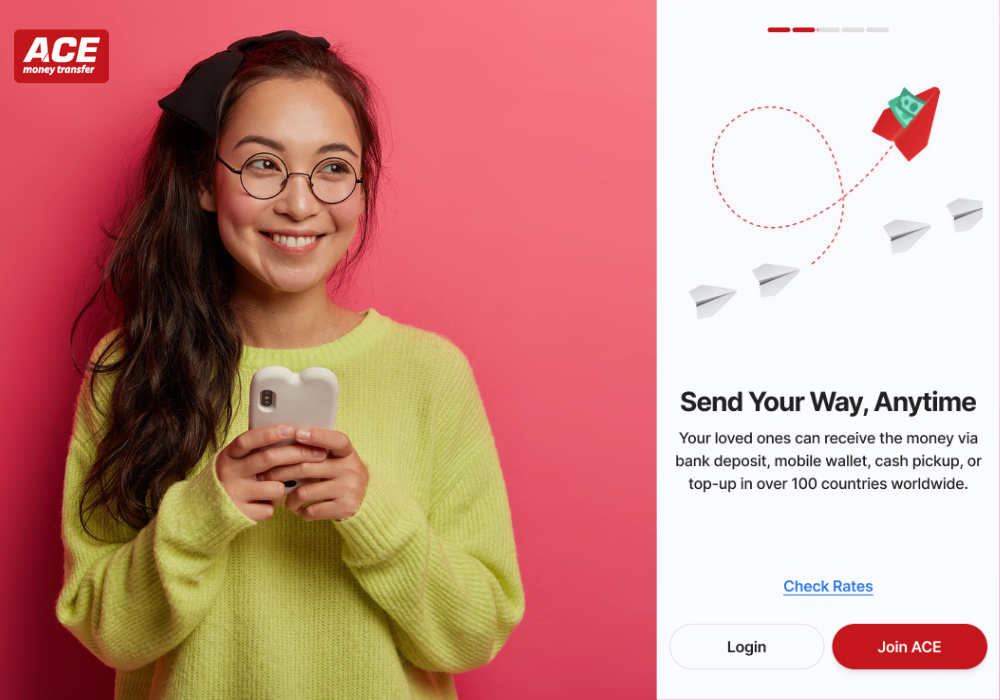
The ACE app, available on iOS and Android, is designed for simplicity and speed. Its user-friendly interface lets you set up transfers without needing tech skills, perfect for students or busy professionals.
With global reach across countries, including Nepal, ACE connects you to loved ones effortlessly. You can check live SEK-to-NPR exchange rates, manage recipients, and track transactions—all from your phone. Download ACE App to experience this convenience firsthand!
ACE offers competitive exchange rates, often beating banks by 3-6%, so your recipients get more Nepalese Rupees (NPR). During promotions, like the ZERO-FEE campaign, you can send money without extra costs.
Transfers are fast—often reaching Nepal in minutes—whether for bank deposits, cash pickups, or mobile wallets. Plus, ACE’s robust security, including end-to-end encryption, keeps your money safe, giving you peace of mind with every transfer.
Using the ACE app to send money to Nepal is straightforward, even if you’re new to online remittances. From choosing how your recipient gets the funds to tracking the transfer, the app guides you every step of the way.
Here’s how to make your next transfer quick and easy, ensuring your money reaches Nepal securely.
ACE offers flexible payout options to suit your recipient’s needs in Nepal:
To see how ACE supports similar instant wallet transfers, check out this guide on Orange Money transfers to Senegal from Switzerland.
To send money, you’ll need your recipient’s full name (matching their ID), and either their bank account details or mobile number for wallet transfers. For cash pickups, include their city or preferred pickup location.
Double-check these details to avoid delays—typos can hold up the process. ACE’s app makes this simple by saving recipient info for future transfers, so you only need to enter it once. Sign up with ACE to start adding recipients today!
In Sweden, you can pay for your transfer using:
The app lets you pay in Swedish Krona (SEK), with transparent exchange rates shown upfront. This flexibility means you can choose the method that’s most convenient for you, whether you’re at home or on the go.
Before sending, review the transaction details, including the live SEK-to-NPR rate and any fees (or none during the ZERO-FEE campaign). Once you confirm, ACE provides a 16-digit tracking code to monitor the transfer in real time via the app or website.
You’ll know exactly when your money reaches Nepal, and your recipient gets an SMS for cash pickups or wallet top-ups. Contact ACE support at +46 42 311 29 68 if you need help.
Sending money to Nepal from Sweden doesn’t have to be complicated or costly. With the ACE app, you can remit funds quickly, securely, and affordably, whether through bank deposits, cash pickups, or mobile wallets. The app’s user-friendly design and real-time tracking make the process stress-free.
Ready to support your loved ones in Nepal?
Send money now with ACE and see how easy remittances can be!
Yes, you can use debit/credit cards, Apple Pay, or Google Pay via the ACE mobile app. No Swedish bank account is required, making it accessible for expats using international cards.
Most transfers, especially cash pickups and mobile wallet deposits, are completed within minutes. Bank deposits may take 1-2 hours, depending on the recipient’s bank processing times.
ACE Money Transfer imposes limits based on regulatory requirements, but specific limits for Sweden to Nepal are not publicly detailed. Contact ACE’s customer support for exact limits, which vary by payout method.
No, ACE Money Transfer does not charge recipients for receiving funds. However, recipients should check if their bank or mobile wallet provider applies withdrawal fees.
Yes, log into your ACE Money Transfer's account, go to “My Transactions,” select the transaction, and request cancellation with a reason. Processing times for cancellations vary, so act quickly.