ACE Money Transfer
ACE Money Transfer
27 Apr 2026
If you've been hearing about the Opay wallet and wondering whether it's worth your time, this guide breaks everything down for you. From opening your account to funding it, paying bills, and even receiving money from abroad, you'll find clear, actionable instructions in the sections below. Whether you're a first-time user or someone helping a friend get set up, these simple steps will have you transacting confidently in minutes.
OPay launched in 2018 as a fintech startup in Nigeria and has since grown from a Lagos-focused operation into a platform used across Abuja, Port Harcourt, and dozens of smaller towns. The Opay app has been downloaded over 50 million times on Android alone, carrying a 4.5-star rating from more than 1.1 million reviews. Those numbers tell a straightforward story: tens of millions of people trust this platform for their daily financial needs.
At its core, the Opay wallet is a digital money account that lives inside the Opay app. It's licensed as a Mobile Money Operator by the Central Bank of Nigeria (CBN) and insured by the NDIC, which means your funds sit under recognized regulatory oversight. You can use it to store cash, transfer money to other wallets or bank accounts, pay electricity and TV bills, buy airtime and data, and even earn interest through savings features like SafeBox and OWealth.
It helps to understand how the three main parts of the OPay ecosystem work together:
Opay Wallet - your digital account for balances, transfers, and payments.
Opay Card - a physical or virtual debit card linked to your wallet, usable at POS terminals, ATMs, and for online purchases.
Opay Agent - a physical person or shop that handles cash deposits, withdrawals, account opening, and on-the-ground support, especially in areas where bank branches are scarce.
Here's a quick summary of why the wallet matters in 2026:
Speed: Wallet-to-wallet transfers are typically instantaneous, and inter-bank transfers via NIP settle within seconds.
Low fees: Many in-app transactions (airtime, bill payments) carry minimal or zero charges. A ?50 stamp duty applies only on transfers of ?10,000 or more, and that's a CBN-wide rule, not an OPay-specific fee.
Availability: The agent network reaches communities where traditional banking has limited presence.
Flexibility: Tiered account levels let you scale your limits as your needs change, and international remittance partnerships let diaspora users send funds directly into wallets.

Setting up your Opay wallet takes less than ten minutes if you have your documents ready. Here's a clear walkthrough that covers everything from downloading the app to logging in securely.
Head to the Google Play Store or Apple App Store and search for "OPay." Download and install the app on your device. Make sure you're downloading the official version - look for the verified publisher name and high review count to avoid imitations.
Open the Opay app and tap "Create account." You'll be prompted to enter a valid Nigerian phone number. OPay will send a one-time password (OTP) to that number. Enter the OTP to verify, then set a 4-digit security PIN. This PIN is what you'll use to authorize transactions, so choose something you can remember but that others can't easily guess.
As of March 2024, the CBN requires all mobile money accounts to be linked with a Bank Verification Number (BVN) or National Identification Number (NIN) - even at the lowest tier. Here's how verification works:
Navigate to the verification or profile section in the app.
Enter your BVN or NIN.
Upload a valid government-issued ID (driver's license, voter's card, international passport, or national ID).
Take a selfie for facial verification.
Submit and wait for approval, which typically takes a few minutes to a few hours.
Your verification level determines your daily limits:
| Tier | Daily Transfer Limit | Maximum Balance |
|---|---|---|
| Tier 1 (Basic) | ?50,000 | ?300,000 |
| Tier 2 (Intermediate) | ?200,000 | ?500,000 |
| Tier 3 (Full KYC) | ?5,000,000 | No specified cap |
To move from Tier 1 to Tier 2 or Tier 3, you'll need to provide additional documentation - proof of address, utility bills, and more detailed identity records. Upgrading is worth the effort if you handle larger sums regularly.
One thing to note: If you switch to a new device, even a Tier 3 account may face a temporary internal cap of ?20,000 for the first 24 hours. This is a fraud-prevention measure, not a permanent restriction.
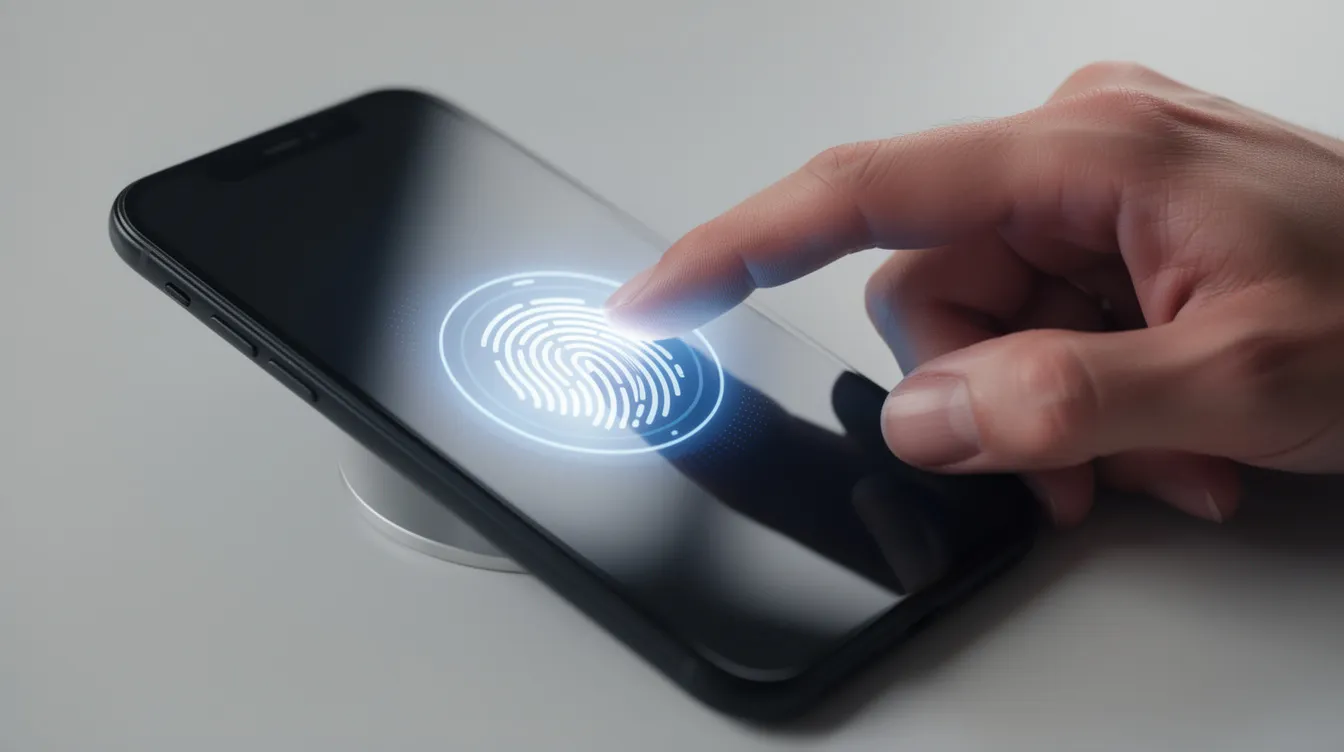
Once your account is set up, logging in is straightforward. Open the app, enter your registered phone number, and input your 4-digit PIN. If your device supports it, you can enable biometric login - fingerprint or Face ID - for faster access without compromising security.
Never share your OTP or PIN with anyone, including people who claim to work for OPay.
Enable biometric authentication to reduce your reliance on typed PINs.
Always log out on shared or public devices.
If your SIM is lost or stolen, contact OPay support immediately to suspend your account.
Avoid third-party offers to "upgrade" your tier outside the app - these are almost always scams.
Simple steps to open your Opay Wallet:
Download the Opay app from your app store.
Tap "Create account" and enter your phone number.
Verify with OTP and set your 4-digit PIN.
Complete KYC by submitting BVN/NIN and a valid ID.
Enable biometric login for added security.
Now that your wallet is live, let's cover the three things you'll do most: putting money in, using it for payments and transfers, and getting cash out when you need it.
There are three main ways to add funds to your Opay wallet:
Bank transfer: Every Opay account comes with a dedicated account number. Transfer money from any Nigerian bank account to this number, and the funds reflect almost instantly.
Debit card top-up: Link your existing bank debit card inside the app and load money directly. This is convenient when you want to move funds from a traditional bank without opening a separate banking app.
Cash deposit via an Opay agent: Open the app, tap "Nearby agents" to find an agent close to you, then visit their location with your cash and phone number. For deposits above certain thresholds, bring a valid ID to avoid hold-ups.
Quick funding tips:
Start with a small test deposit to confirm everything works before sending larger amounts.
If using an agent, confirm their official status - look for branded signage and agent ID.
Keep your transaction receipts or screenshots until the deposit is confirmed in your wallet.
Once your wallet has funds, the range of transactions available is broad:
Send money to other OPay users - just enter their phone number and the amount. Transfers are instant.
Transfer to any Nigerian bank account - select the bank, enter the account number, and confirm.
Pay bills - electricity (PHCN/DisCos), DSTV, GOtv, internet subscriptions, water bills, and more.
Buy airtime and data - for your own line or anyone else's, across all major networks.
Save and earn interest - use sub-accounts like SafeBox, Fixed Savings, or OWealth to grow your money while it sits.
Fund other platforms - betting accounts, school fees portals, and selected merchant checkouts.
Here's how a typical transfer works in practice:
Open the Opay app and tap "Transfer."
Select "Bank" or "Send to bank."
Choose the recipient's bank from the list.
Enter the account number. The app will display the recipient's name - always verify this before proceeding.
Enter ?5,000 as the amount. Add a description if you like.
Confirm the transaction with your PIN or biometric.
The money is usually debited from your wallet and arrives in the recipient's bank account within seconds. If the amount is ?10,000 or above, a ?50 stamp duty will be applied automatically - this is a government-mandated charge, not something specific to OPay.
When you need physical cash, you have several options:
Transfer to your bank account, then withdraw from an ATM using your bank's card.
Cash out at an Opay agent: Transfer the amount from your wallet to the agent's account, then collect cash on the spot. Some agents charge a small commission depending on the amount.
Use your linked Opay debit card: If you've been issued an Opay card, you can withdraw cash directly at ATMs. Standard ATM fees apply.
Quick withdrawal tips:
Before visiting an agent, confirm they have enough cash float to handle your withdrawal amount.
Time your bank transfers to avoid peak hours when network delays are more common.
Always retrieve your receipt or confirmation before leaving an agent's location.
| What | Detail |
|---|---|
| Stamp duty | ?50 on transfers ? ?10,000 (CBN mandate) |
| Tier 1 daily cap | ?50,000 |
| Tier 2 daily cap | ?200,000 |
| Tier 3 daily cap | ?5,000,000 |
| New device restriction | ?20,000 cap for first 24 hours |
| Agent cash-out fees | Vary by agent and amount |
To raise your limits, update your KYC information by uploading additional documentation in the app's profile or verification section. The change typically takes effect once your documents are reviewed and approved.
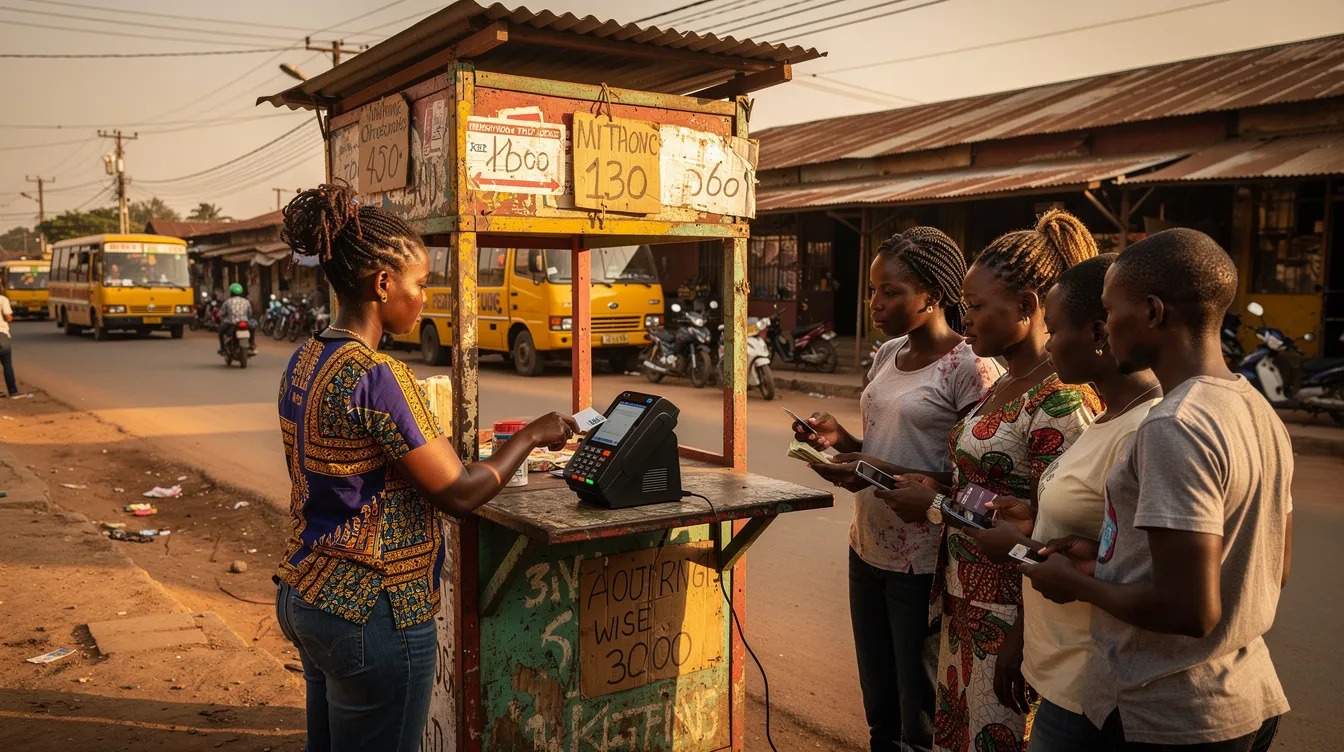
An Opay agent is a locally based business or individual who serves as a physical access point for wallet services. Think of them as the human bridge between digital finance and the physical world of cash. They work in markets, along busy streets, and in rural communities where bank branches may be kilometers away. For many people, the agent is their first and most frequent point of contact with the OPay ecosystem.
Agents offer a surprisingly wide range of services:
Open and help verify new Opay wallet accounts.
Accept cash deposits and credit them to customer wallets.
Process cash withdrawals from wallets.
Facilitate bill payments and airtime purchases for customers who aren't comfortable navigating the app themselves.
Provide basic troubleshooting and support.
If you're interested in running an agent business, the process follows a few clear steps:
Ensure you have a verified Opay account at Tier 2 or higher, with full KYC documentation (BVN, NIN, valid ID, passport photo, and in some cases a utility bill).
Register as an agent through the Opay app or via a field officer. You'll need to provide your business location details, address, and bank information for commission settlement.
Wait for verification and approval, which generally takes a few days depending on your region.
Receive your POS device - to get a POS terminal, you must hold a Level 3 (fully verified) account. Some POS units are issued at minimal or no cost; others may require a caution fee ranging from ?20,000 to ?35,000 depending on the type and region.
A physical shop or kiosk, an Android smartphone with internet access, and basic literacy are the practical requirements. Registration itself is generally free.
One of the features that makes the Opay wallet relevant beyond Nigeria's borders is its compatibility with international remittance platforms. OPay has partnered with services like WorldRemit, allowing Nigerians living abroad in the US, UK, and over 50 other countries to send money directly into a recipient's wallet. Recipients need at least a Tier 2 (KYC2) verified account to receive these funds.
For people sending money from abroad, platforms like ACE Money Transfer offer a straightforward process that works well with mobile wallet payouts:
Register or log in to your ACE Money Transfer account using your email, Google, or Apple ID.
Choose Nigeria as the destination country and select mobile wallet as the payout option.
Enter the recipient's wallet or bank details accurately.
Select your payment method - debit card, credit card, or online bank transfer.
Add a payment reason and confirm the transfer details before clicking "Pay Now."
Track your transaction in real time using the reference tracking number provided.
ACE Money Transfer also supports other payout methods that pair well with OPay: bank deposit directly to major partner banks in Nigeria, and cash pickup at authorized partner bank branches. Once the funds land in an Opay wallet, the recipient can move them to a bank account, withdraw cash through an agent, or spend them directly within the app.
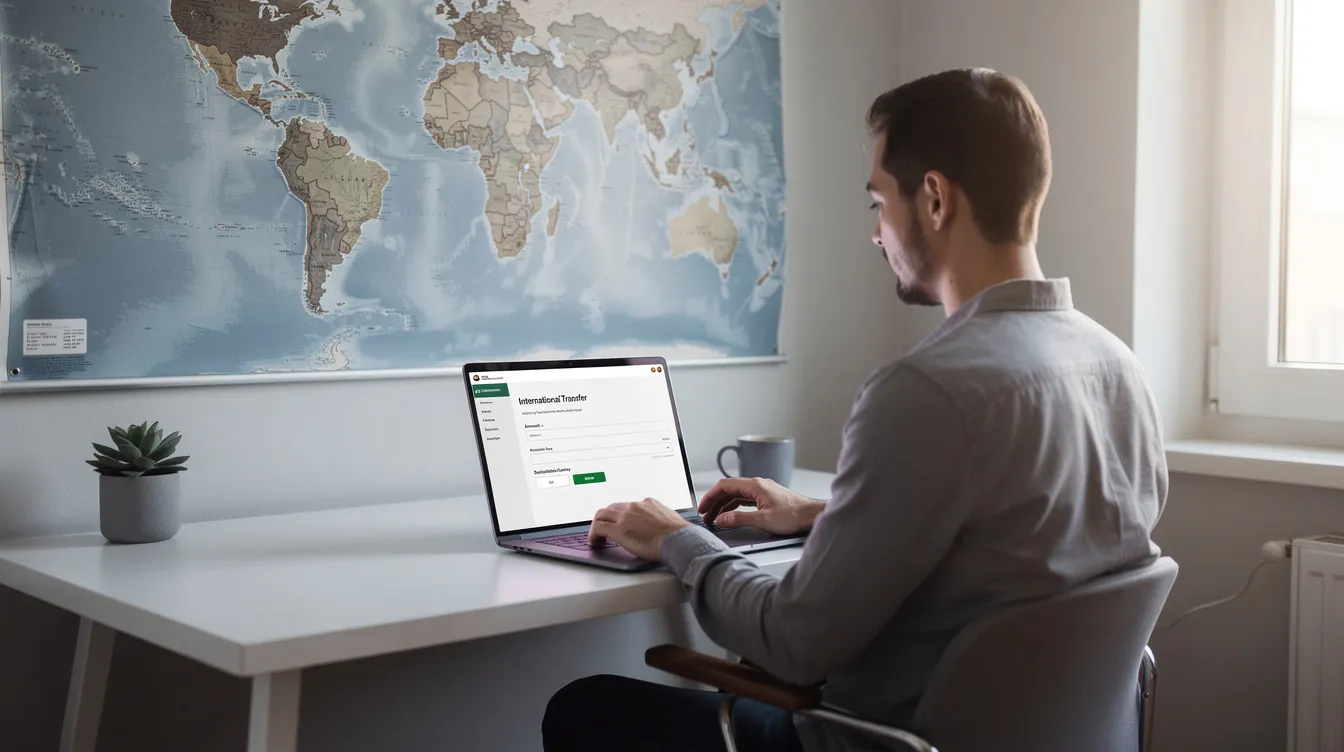
Security is not a feature you set up once and forget. Here are the rules that matter most for daily use:
Use a strong, unique PIN - avoid birthdays, sequential numbers, or repeated digits.
Never share your OTP, PIN, BVN, or NIN over calls, texts, or social media, even if someone claims to be from OPay support.
Verify agent credentials - look for official branding, agent ID, and a working POS device before handing over cash.
Always confirm the recipient's name and wallet or account number before sending any money. The app displays this information for a reason - use it.
Monitor your transaction history regularly - if you see an issue or something that doesn't look right, report it to OPay support immediately through the app.
Avoid anyone offering to raise your account limits, retrieve locked funds, or speed up verification outside the official app. These are common phishing tactics, and falling for them can cost you your entire balance.
The Opay wallet is a CBN-licensed digital account inside the Opay app, suitable for transfers, bill payments, savings, and card-linked transactions.
Creating an account takes simple steps: download the app, register with your phone number, verify with BVN or NIN, and set your PIN.
Fund your wallet through bank transfers, debit card top-ups, or deposits at any Opay agent location.
Withdraw cash via bank transfers, ATMs, or agent cash-out - always check for fees and float availability.
International remittances can reach your wallet through platforms like ACE Money Transfer, with options for bank deposit, mobile wallet payout, or cash pickup.
Security is ongoing: guard your PIN, verify recipients, and never share sensitive details outside the app.
Whether you're paying your electricity bill, sending money to family, or receiving funds from someone working abroad, the Opay wallet puts everyday financial control on your device. Download the Opay app, complete your verification, and start using these features today. If you found this guide helpful, leave more comments below and share it with someone who could use a clear walkthrough.