09 Feb 2026
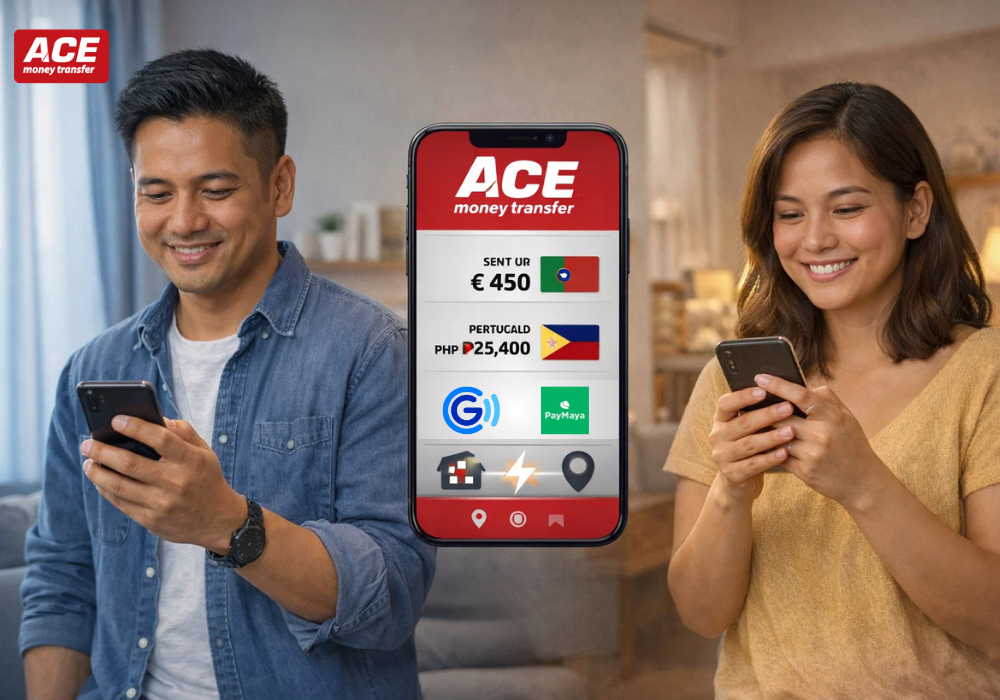
For every Filipino living and working in Portugal, the act to send money to Philippines from Portugal is more than a financial task, it’s one of the most meaningful commitments you make. For this, you need a service that is not only fast and affordable but one you can deeply trust. That’s where ACE Money Transfer comes in. They act as a reliable bridge for your hard-earned Euros, ensuring they reach your family in the Philippines quickly, securely, and with minimum hassle. ACE offers the complete flexibility you need, whether your family prefers the instant connection of a digital wallet like GCash or Maya, or if they rely on the trusted simplicity of Cash Pickup.
GCash is more than just an app; it’s a way of life for millions in the Philippines. It allows your family to instantly pay bills, buy groceries, and manage their daily finances directly from their phone. Sending funds here is like putting the money right into their pocket, ready for immediate use.
Read Also: Places to Visit in Portugal as an Expat in 2025
Maya is a modern digital wallet that also offers banking features. By making an online money transfer to Philippines from Portugal, you are giving your family a flexible way to handle their funds, whether they are paying for online services or saving for the future.
For families who prefer or require physical money—perhaps those in provinces or without easy digital access—Cash Pickup is a trusted solution.
Cash Pickup is a wonderful option for recipients who:
ACE partners with an extensive, reliable network across the Philippines, including major outlets like Cebuana Lhuillier, Palawan Pawnshop, and M Lhuillier. Whether you are making a money transfer from Portugal to Philippines, this network ensures there is almost always a convenient, trusted location nearby, often with long opening hours.
Sending money home is a simple act of love, and ACE Money Transfer helps make it worry-free. When you send money online from Portugal to Philippines, just double-check wallet numbers, ensure verification, save your reference, and use the ACE App for quick repeat transfers to keep every step smooth and secure.
Whether you choose GCash, Maya, or Cash Pickup, ACE makes supporting your loved ones in the Philippines easier, safer, and always from the heart; so go ahead and send money now.
Limits depend on the recipient's verification level. Fully Verified GCash users can typically receive up to PHP 100,000 per month. Always confirm their current limit to prevent delays.
Transfers to GCash, Maya, and Cash Pickup locations are generally instant or completed within minutes after you've paid for the transaction. Bank deposits may take a few hours.
They need a valid government-issued photo ID (e.g., Passport, Driver's License, SSS/GSIS ID) and the Transaction Reference Number (or PIN) you provide them.
You can typically pay for your ACE transfer using a debit/credit card or an online bank transfer from your Portuguese bank account.
Yes, ACE frequently offers special promotions, including zero-fee transactions and improved exchange rates for first-time users. Check the app or website when you sign up!