
ACE Money Transfer
ACE Money Transfer
02 Oct 2026
Choosing between Wix Payments and Square comes down to how and where you sell. One is built for online businesses running on Wix, while the other thrives at the point of sale and across multiple channels. This guide breaks down the fees, features, hardware, and use cases so you can pick the right payment processing platform for your business in 2026.

If your business lives on a Wix site and you sell primarily online, Wix Payments is likely your best fit. If you need strong in person capabilities, POS hardware, or sell across multiple channels, choose Square.
Core use cases at a glance:
Best for online Wix sites: Merchants using Wix for ecommerce, subscriptions, bookings, or services who want seamless checkout without a separate gateway.
Best for in person + multi-channel: Retailers, restaurants, pop-up vendors, and salons needing card readers, terminals, registers, and inventory management alongside online sales.
Best for nonprofits: Online-focused donation pages lean toward Wix Payments; event fundraising with in person card acceptance favors Square.
Best for international sellers: Depends on country availability and local payment methods. Merchants in Wix-supported regions benefit from multi-currency checkout; others may need Square or third-party gateways.
Pricing at a glance (U.S., mid-2026):
| Online Rate | In-Person Rate | Monthly Fees | |
|---|---|---|---|
| Wix Payments | 2.9% + $0.30 | 2.6% + $0.00 (Wix POS) | None for payments; Wix plan required |
| Square | 3.3% + $0.30 (Free plan) | 2.6% + $0.15 | Free plan available; paid tiers from ~$49/mo |
Both support major credit cards (Visa, Mastercard, American Express, Discover), debit cards, and digital wallets like Apple Pay and Google Pay. Only Square connects fully to its own POS hardware ecosystem.
Both platforms help you accept payments online and process card payments, but they come from very different starting points.
Wix Payments is Wix's native payment gateway, built directly into Wix-hosted websites. There is no extra gateway account to create. You manage everything from the Wix dashboard: orders, payouts, analytics, and refunds. It supports credit cards, debit cards, some digital wallets, and selected local payment methods. Wix Payments is primarily for businesses operating online. Setup takes only a few minutes for existing Wix users.
Square is a standalone payment processor and point of sale ecosystem operated by Block, Inc. Square is a versatile payment processor catering to both online and in-person sales, working across its own Square Online stores, third-party website builders, invoicing tools, and APIs. Square's onboarding process is straightforward and fast. Square offers a free plan for online stores with basic features.
Regional availability: Wix Payments is currently supported in roughly 15 countries, including the U.S., Canada, UK, and much of the EU (Germany, France, Spain, Italy, Netherlands, and more), plus Brazil. Square is live in the U.S., Canada, UK, Australia, Japan, Ireland, France, Spain, and other markets, though hardware availability varies by country.
Both are PCI-compliant, use encryption, and deposit cleaned funds to your bank account. The biggest divergence is in hardware and in person support, which shapes which business types each serves best.
Here is a feature-by-feature comparison of the key features that matter most when choosing between these two payment processors.
Supported channels: Wix Payments covers online checkout through Wix Stores, Wix Bookings, and Wix Subscriptions. Square supports online checkout (via Square Online or embedded forms), in person transactions through POS apps and hardware, invoices, and payment links.
POS tools: Square offers a full suite of POS features including registers, card readers, Tap to Pay, and terminals. Wix Payments lacks robust POS features compared to Square and is limited to Wix POS in select U.S. and Canadian regions.
Invoicing: Both offer invoicing, but Square's tools are more mature, supporting estimates, partial payments, recurring invoices, and cards on file.
Subscriptions: Wix Payments handles recurring payments natively through Wix pricing plans and services. Square supports subscriptions via APIs and recurring invoices.
Reporting: Wix provides sales summaries and payout breakdowns. Square delivers deeper analytics: SKU-level data, staff performance, time-of-day heatmaps, and customer profiles.
Digital wallets: Wix Payments supports Apple Pay and Google Pay. Square supports Apple Pay, Google Pay, and (in the U.S.) Cash App Pay for both online and in person payments.
Ecosystem: Square's ecosystem supports inventory management and invoicing across locations. Wix integrates with over 80 third-party payment gateways for flexibility.
Customer support: Both offer help centers, forums, and ticket-based support, with higher tier plans unlocking faster or priority responses.
Neither platform is optimized as a cross-border remittance tool. Businesses needing low-cost international payouts can pair their chosen gateway with AceMoneyTransfer for fast global transfers.
Payment method diversity directly affects conversion rates. If customers cannot pay the way they prefer, they leave.
Cards: Both Wix Payments and Square accept Visa, Mastercard, American Express, and Discover (where regionally available) as credit cards and debit cards.
Wix digital wallets: Wix Payments supports credit cards and digital wallets, including Apple Pay and Google Pay on compatible devices and browsers. Express checkout buttons appear automatically at checkout when supported.
Square digital wallets: Square supports multiple payment methods including digital wallets. Beyond Apple Pay and Google Pay, Square also offers Cash App Pay in the U.S. for both online and in person payments, giving customers more payment options.
Checkout display: On Wix, digital wallet buttons appear natively in the checkout flow. On Square, they show up in hosted checkout links, embedded forms, or Square Online pages. Both improve mobile conversion by enabling one-tap payments.
Local methods: Wix Payments supports various payment methods through integrations, including BNPL options like Klarna and Afterpay depending on country. Square supports Afterpay and select local methods in certain markets. Availability of methods like iDEAL (Netherlands) or Pix (Brazil) should be verified by country before committing.
The core structural difference: Wix Payments is online-first, built to power checkout on a Wix site.
Wix Payments online: Handles pure online transactions for stores, bookings, subscriptions, and digital downloads. Everything flows through the Wix checkout on your ecommerce website.
Connecting Square for in person: Wix allows integration with Square for in-person payments. Merchants can connect Square POS hardware to handle card-present sales and sync inventory, while Wix Payments (or another gateway) processes online card payments through the Wix checkout.
Square's in person options: Tap to Pay on iPhone and Android devices, chip and contactless readers, full terminals with receipt printers, and dual-screen registers for retail and restaurants. Square's point of sale POS system covers everything from a farmers' market booth to a multi-location chain.
Which combination fits each scenario:
Online-only coaches or digital product creators ? Wix Payments is sufficient for selling online.
Hybrid boutiques selling at markets and online ? Use Wix Payments for your online store, connect Square for in person transactions.
Cafés and restaurants ? Square POS with dedicated terminal hardware; add Square Online or a Wix site for online ordering.
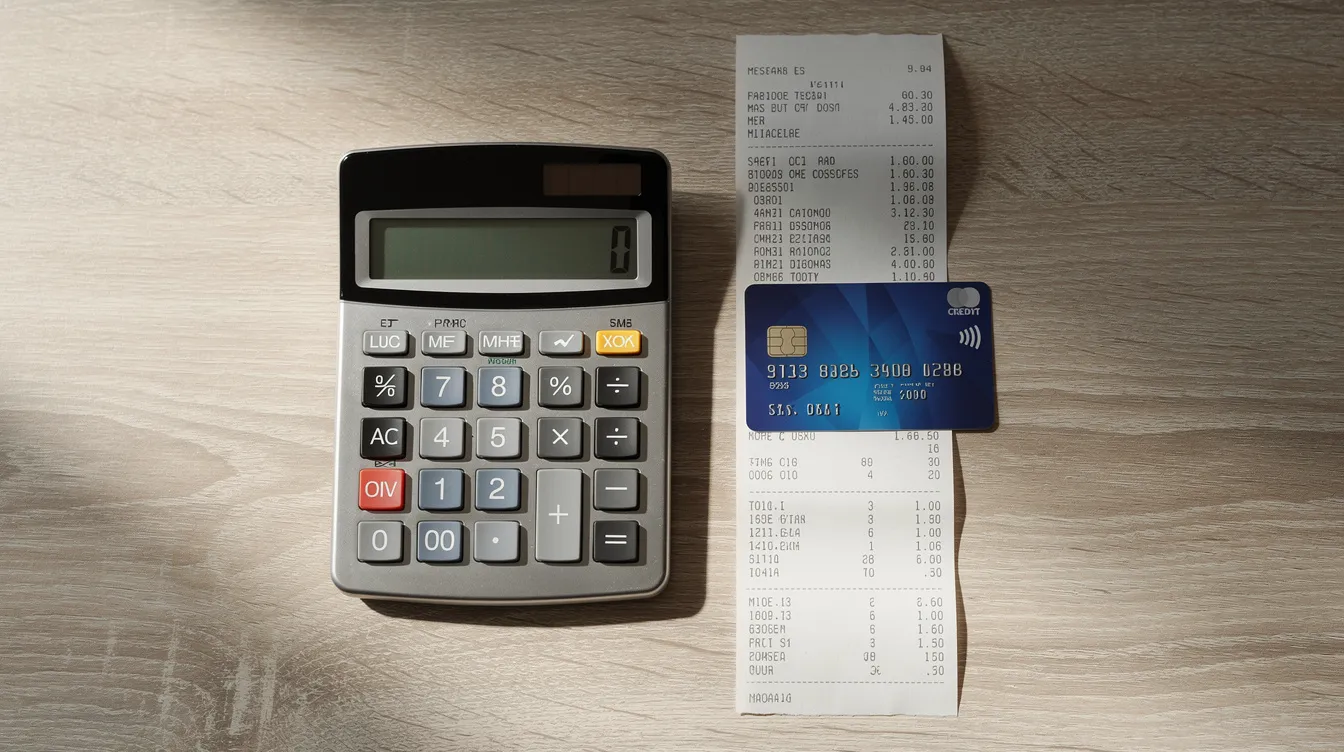
Fees affect your margins on every sale. They differ by channel, card type, and country, so always check the current pricing page for your market.
Wix Payments online fees:Wix Payments charges 2.9% + $0.30 per transaction for domestic credit and debit cards (excluding American Express, which runs 3.7% + $0.30 in the U.S.). For in person via Wix POS, the rate drops to 2.6% + $0.00.
Square fees:Square charges 2.6% + $0.15 for in-person transactions (tap, dip, swipe). Square's online transaction fees can reach 3.3% + $0.30 on its Free plan for card-not-present sales. Higher tier plans (Plus, Premium) reduce in person rates to as low as 2.4% + $0.15.
Monthly fees: Wix has no monthly fees for Payments but requires a website plan. Wix's lowest plan starts at $17/month without ecommerce features; you need a Business or eCommerce plan to accept payments online. Square offers a free basic plan with paid tiers starting for additional features, roughly $49–$149/month depending on POS and analytics needs.
Setup fees: Neither charges setup fees. Both are pay-as-you-go for processing fees.
Hidden costs to watch: Chargeback fees ($15 on Wix for non-PayPal disputes), cross-border surcharges (1.5% on both platforms for international cards), currency conversion fees (Wix adds 1%), premium POS add-ons, and additional fees for advanced features like loyalty programs or marketing tools. Both providers are relatively transparent, but costs can add up as your business grows.
Hardware is where the two platforms diverge the most.
Wix Payments hardware: Wix does not provide branded POS hardware. Any in person sales require third-party solutions (like Square readers) alongside your Wix site. Online and offline sales may need to be managed separately or via manual syncing.
Square hardware options: Square provides extensive POS hardware and functionality. Current U.S. pricing includes the contactless and chip reader (~$59), Square Stand (~$149), Square Terminal (~$249–$299), Square Handheld (~$349–$399), and the full Square Register (~$699–$799). Financing options are available.
Mobile selling: Square's POS apps run on iOS and Android devices, making them ideal for events, markets, and pop-ups. Inventory and customer data sync across channels automatically via the Square dashboard.
Hybrid setup: To click connect Square for in person while keeping Wix Payments for online checkouts, use Square POS hardware at your physical store or event booth, and let Wix handle your ecommerce website. Some manual reconciliation may be needed unless you use third-party inventory sync tools.
The right solution depends on your business model, not just transaction fees.
Wix Payments strengths: Wix Payments is suitable for content-driven or service-based businesses. Think online creators, digital product sellers, subscription-based services, coaches, and small businesses that prioritize website design and basic email marketing over advanced POS. It is a natural fit when you want to start selling quickly on a Wix site.
Square strengths: Square is ideal for businesses heavily involved in in-person transactions. Brick-and-mortar retail, restaurants, food trucks, salons and spas, medical or wellness clinics, and event vendors all benefit from Square's hardware, inventory management, appointment scheduling, and staff tools.
Nonprofits: For online donation pages and recurring gifts, Wix Payments works well. For fundraising events requiring in person card acceptance. Some nonprofits use Wix for design and overlay external donation platforms for better rates.
International operations: For paying overseas staff, contractors, or diaspora donations, pairing either system with ACE MoneyTransfer lets organizations move funds globally more efficiently. Customer Experience: Checkout Flows and UX
Frictionless checkout reduces cart abandonment and directly boosts revenue. How your customers experience the payment step matters as much as the fees you pay.
Wix checkout: Wix's drag-and-drop editor simplifies website customization, and checkout pages inherit your site's branding seamlessly. Multi-step or single-page checkout layouts are configurable, and Wix Payments fits into that UX without redirects. Cart recovery tools help recapture lost sales.
Square checkout: Square offers hosted checkout links, buy buttons, and embedded forms. When integrated into a Wix site, the experience may involve a redirect or external form. On standalone Square Online stores, the flow is smooth and native. Square provides an intuitive interface for managing online stores.
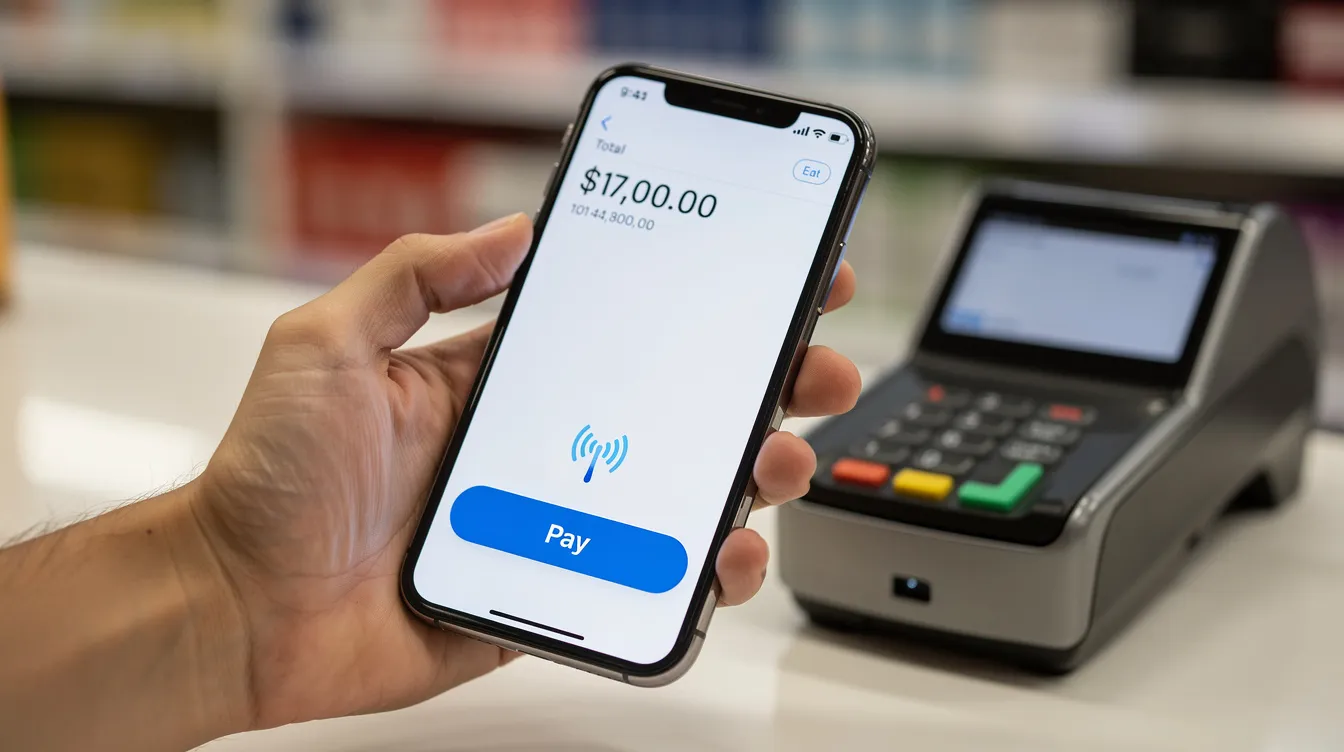
Mobile UX: Both platforms surface Apple Pay and Google Pay prompts on compatible devices, enabling one-tap payments. Saved card details and digital wallets reduce friction on mobile, where conversion rates are typically lower.
Trust signals: SSL certificates, familiar card logos (Visa, Mastercard), digital wallet badges (Cash App Pay, Apple Pay), and transparent currency display all build customer confidence. A QR code option can also speed up in person checkout flows.
Payment data drives smarter decisions on inventory, marketing, and forecasting.
Wix Payments reporting: Wix Payments offers a user-friendly dashboard for managing payments. Sales summaries, order-level details, payout history, and payment method breakdowns are accessible inside the Wix dashboard. These connect with Wix's built-in analytics and marketing tools for a unified view.
Square analytics: Square's intuitive dashboard goes deeper: SKU-level reports, category performance, staff performance metrics, time-of-day heatmaps, and customer profiles. These are especially valuable for physical retailers and restaurants tracking in person patterns. Premium users and higher tier plans unlock trend forecasting and advanced reporting.
Integrations: Square integrates with multiple e-commerce platforms like Shopify. Wix focuses more on marketing, services, and content through its App Market.
Connecting Square with Wix: You can sync inventory and orders between Square POS and your Wix online store using third-party connectors, though native integration is limited.
External tools: Integrating accounting software or AceMoneyTransfer alongside your payment provider improves cash-flow visibility and simplifies international payouts.
Payment downtime or poor support can directly cost you lost sales and damaged customer trust.
Wix support: Wix offers 24/7 support for all users. Wix's support includes live chat and phone options, with phone support generally available for Business and eCommerce plans. Wix has a community forum for additional user support, and help center articles cover most common issues.
Square support: Square provides 24/7 support only for premium users. Square's support is limited to business hours for lower plans. A knowledge base, community forum, and email support are available to all merchants. Phone and chat support availability depends on your plan and country.
Uptime and security: Both platforms maintain PCI compliance, fraud monitoring, and encryption, though brief outages can occur with any payment provider. Chargeback handling processes differ in detail but both require merchant documentation.
Professional advice: Before committing long-term, test support channels during your free trial or initial setup. Response times can vary significantly between small and larger merchants, and between free and paid plans.
Cross-border sales add complexity: FX costs, settlement currencies, and local regulations all come into play.
Wix Payments international: Wix Payments supports multi-currency pricing and local payment methods in roughly 15 countries. Merchants can display prices in customer currencies, but settlement happens in the merchant's home currency with a 1% conversion fee and 1.5% cross-border fee on top of processing fees.
Square international: Square is available in several countries (U.S., Canada, UK, Australia, Japan, France, Spain, Ireland, and others), but cross-border card acceptance typically adds ~1.5% for cards issued outside the merchant's home country. Multi-currency support and local wallet availability vary by market.
ACE Money Transfer: For businesses needing to send or receive money across borders, ACE Money Transfer provides an app-based option for international transfers. Applicable transfer fees, commissions, and exchange rates vary by corridor, currency, transfer amount, and transaction details.
Practical workflow: A merchant accepts sales via Wix Payments or Square, receives payouts in their local bank account, then uses AceMoneyTransfer to move profits or pay suppliers and staff internationally at lower cost. This approach optimizes both the customer-facing payment experience and the back-end global cash management.

There is no universal winner. The right choice depends on where and how you sell.
Choose Wix Payments if you are an existing Wix user focused on online sales, you prioritize design control and integrated tools like subscriptions, bookings, and basic email marketing, and you operate in a supported country without heavy in person needs. The starting price for a Wix ecommerce plan is accessible, and the payment gateway requires zero additional setup.
Choose Square if you sell heavily in person, need robust POS features and industry-specific tools (retail, restaurant, service businesses with appointments), or want to sell across multiple platforms. Square's free plan makes it easy to start, and the hardware ecosystem scales with you.
Hybrid approach: Many small businesses benefit from using both. Keep Wix Payments for your online business and ecommerce website, and connect Square for in person transactions at your physical store or events. This gives you the best of both payment gateways.
Complete your stack: Pair your chosen payment solution with ACE MoneyTransfer for fast, low-cost international transfers. Whether you are paying overseas contractors, sending funds to family, or managing cross-border supplier payments, ACE MoneyTransfer rounds out your financial toolkit so you can focus on growing your business, not fighting transfer fees.
Start by mapping your sales channels. Then match them to the platform that fits. The best payment provider is the one that disappears into the background while your revenue grows.
Disclaimer: This article is intended for general informational and educational purposes only and should not be construed as legal, regulatory, tax, business, or financial advice. While reasonable efforts have been made to ensure that all facts, figures, and data are accurate and valid as of the date of publication, no warranty or guarantee is given as to the ongoing completeness, accuracy, or currency of the information.
The content is based on information available at the time of publication. Regulations, government policies, market conditions, and service offerings may change over time and vary across jurisdictions and providers. As a result, some information may no longer be current or applicable. Readers should independently verify all information and consult qualified professional advisors before making any financial, legal, or business decisions.