
ACE Money Transfer
ACE Money Transfer
21 Sep 2026
Carrying a physical wallet stuffed with payment cards, loyalty cards, and crumpled receipts is quickly becoming a relic in the UK. With 65% of UK adults now registered for at least one mobile payment service in 2026 and cash payments dipping below 10% of all transactions for the first time, the shift to mobile wallets is no longer a trend - it is the default.
Whether you want tap to pay convenience at a coffee shop, seamless online shopping, or a secure way to send money overseas, there is a digital wallet built for the job. This guide breaks down the best digital wallets available in the UK right now, compares their strengths, and helps you pick the right digital wallet for your routine.
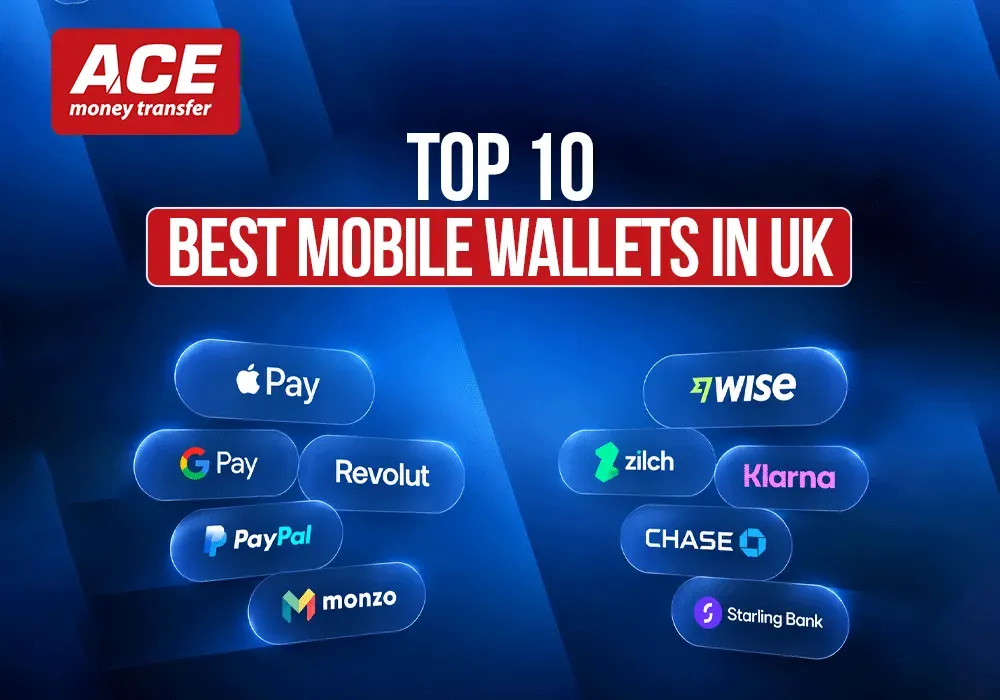
The UK mobile payment landscape is dominated by native device wallets and versatile e-wallets. Here are the front-runners and what each does best:
Apple Pay - best for iPhone users who want fast in store payments and transit tap to pay across the UK
Google Pay / Google Wallet - best all-round wallet for Android phones, covering contactless payments, passes, and digital tickets
Samsung Wallet - best for Samsung Galaxy owners who want a single app for payments, digital keys, and passes
PayPal - best for online purchases and e commerce transactions with buyer protection
Curve - best multi-card aggregator for people juggling several debit card and credit card accounts
Revolut - best super-app for travellers and multi-currency spenders
Cash App - best lightweight P2P wallet app for splitting bills and peer transfers
Amazon Pay - best one-click checkout for frequent Amazon shoppers buying on third-party sites
GOV.UK Wallet - emerging option for storing government-issued digital IDs such as driving licences
ACE Money Transfer - best for low-cost international money transfers from the UK, not everyday retail spend
In 2024, 57% of UK adults used digital wallets, up from 42% the year before. Apple Pay is used by 63% of UK mobile payment users, Google Pay by 37%, and PayPal by 36%, making them the three heavyweights in the market.
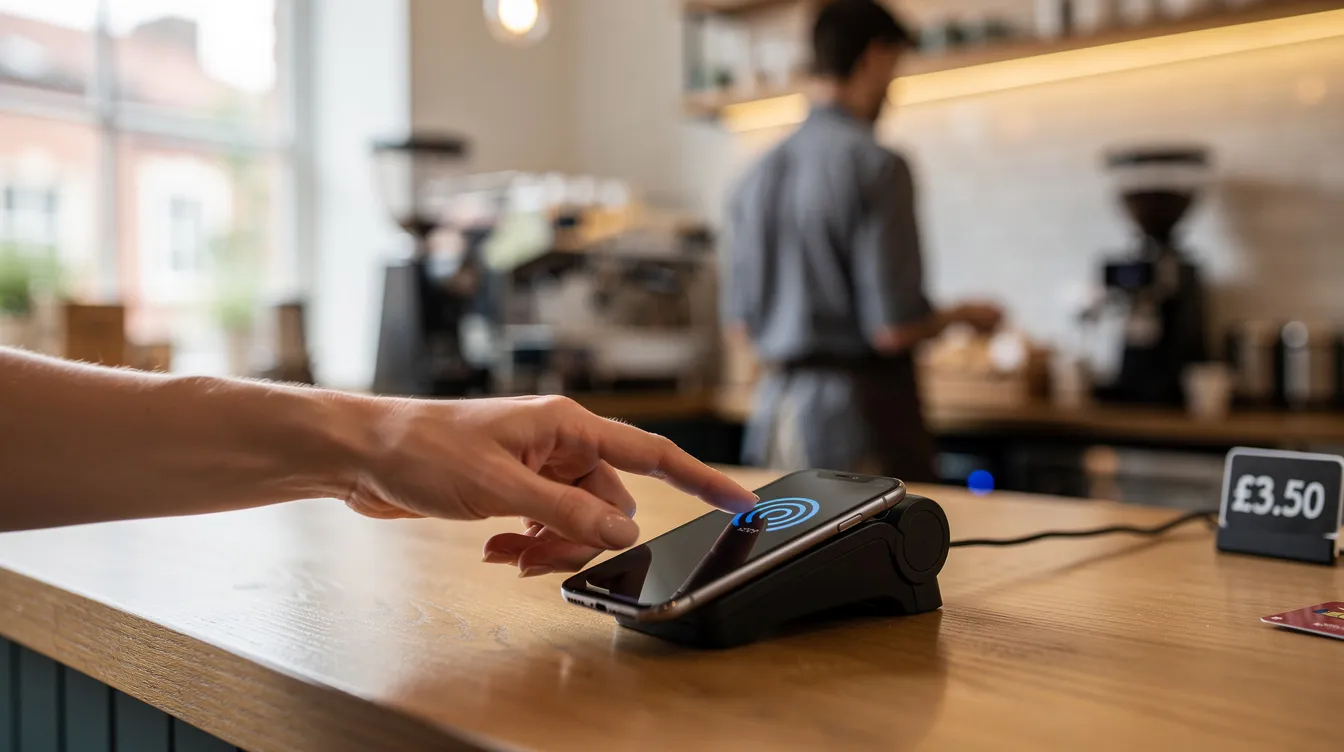
A digital wallet is a virtual container on your phone or electronic device that stores your payment cards, bank account details, loyalty and gift cards, boarding passes, event tickets, and increasingly IDs - all secured behind biometric authentication or a device PIN. Digital wallets store payment information securely on smartphones, removing the need to carry a physical card for every transaction.
Here is how the core technology works:
Tokenisation - when you add a debit card or credit card, the wallet replaces your real card number with encrypted payment codes called tokens. Tokenization hides real card numbers during transactions, so merchants never see your actual details.
Data encryption - digital wallets use encryption to protect financial transactions both in transit and at rest on the device.
Biometric authentication - Face ID, fingerprint, or iris scans add security to digital wallet access, ensuring only you can authorise a payment.
Setup flow - download the wallet app (or open the built-in one), add a debit card or bank account, verify via SMS or your banking app, then start making contactless payments in store, online, or in app.
The difference between a general digital wallet (storing payment details for online checkouts) and a mobile wallet (enabling tap to pay at physical terminals via near field communication) matters in practice, but most modern apps now cover both.
Digital wallet adoption in the UK has grown sharply over the past few years:
In 2024, 57% of UK adults used mobile payment services - rising to 65% in 2026.
52% of adults had used a digital wallet to pay for goods or services in the previous 12 months, up from just 14% in 2017.
50% of UK adults now make contactless payments with a phone at least once a month.
Digital wallets accounted for roughly 40% by value of UK online payments in 2024, closely trailing traditional card payments at 46%.
Generational gaps remain significant. Around 88–89% of 16–34 year-olds are registered for a mobile wallet, with 28% of 18–34 year-olds using mobile contactless daily. Among those 55 and over, daily usage drops to about 9%, and registration sits closer to 25%.
Globally, over 4.3 billion people used digital wallets in 2024, with projections reaching 5.8 billion by 2029 as e-wallets now power more than half of global e commerce transactions.
The trajectory is clear: whether you shop online or pay in person, digital wallets are rapidly becoming the primary payment method for UK consumers.
Mobile wallets in the UK generally fall into two categories: native device wallets and financial or aggregator wallets. Here is how the main types break down:
Tap-and-go mobile wallets (Apple Pay, Google Pay, Samsung Wallet) - built into your phone's operating system; use near field communication for in person payments and store tickets, passes, and digital keys.
Multi-card aggregator wallets (Curve) - link multiple payment cards into one app and card, letting you choose which funding source to charge per transaction.
Universal checkout wallets (PayPal, Amazon Pay) - primarily designed for online transactions and e commerce transactions, simplifying checkout with stored payment details.
P2P and super-app wallets (Cash App, Revolut) - combine peer-to-peer transfers, spending accounts, budgeting tools, and sometimes investing features into one digital wallet app.
Specialist transfer apps (ACE Money Transfer) - focused on cross-border remittances rather than retail spend, offering competitive rates and mobile wallet payouts in destination countries.
Virtual disposable cards, offered by some of these wallets, help prevent fraud during online purchases by generating one-time card numbers. Crypto wallets (hot and cold storage) are a separate category and fall outside the scope of this guide. Regardless of which wallet type you use, your bank accounts and debit cards usually sit behind the interface as the actual funding source.
Apple Pay is the most popular digital wallet in the UK, used by 63% of mobile payment users for in person payments as of December 2024. It is integrated into iPhones and Apple Watches, with no separate download needed - simply open the Apple Wallet app on your Apple devices and add your cards.
Tap to pay - hold your iPhone or Apple Watch near any contactless terminal to pay; works across UK shops, restaurants, and Transport for London services by simply tapping your device.
Online and in app - use Apple Pay for web checkouts in Safari and in app purchases without re-entering payment details each time.
Passes and tickets - store loyalty cards, boarding passes, plane tickets, event tickets, and digital car keys inside the wallet.
Express mode - pay for transit without unlocking your phone, making commuting faster.
Security - a Secure Element chip isolates card data on the device; Face ID or Touch ID is required to authorise payments; merchants never see your actual card number thanks to tokenisation.
Fees - Apple Pay itself charges no consumer fees for domestic payments. Standard foreign transaction fees (typically 2.75–3%) still apply from your bank or card issuer.
Apple Pay is best for iPhone users who pay frequently in store and on public transport, want simple setup with existing debit cards, and value privacy-by-design.
In the UK, Google Pay refers to the payment service, while Google Wallet is the app that stores cards, passes, keys, and digital tickets. Together they form the primary tap-to-pay solution for Android users. Google Wallet is only available on Android devices and some Wear OS smartwatches.
Usage - around 37% of UK mobile payment users chose Google Pay for in store payments and 32% used it for online purchases by end of 2024.
Contactless payments - tap your Android phone at any terminal displaying the contactless symbol to make contactless payments instantly.
Passes and storage - store loyalty cards, reward cards, store tickets, boarding passes, digital keys, and public transport passes in Google Wallet.
UK-specific features - works on Transport for London buses, Tube, and rail; integrates with Google Maps for live transit information.
Security - tokenisation, biometric authentication (fingerprint or face), and device-level encryption protect every transaction. You can lock or remove cards remotely if your phone is lost.
Fees - no specific fees from Google for domestic mobile payments. Any foreign transaction fees or cash-advance charges come from your underlying bank or debit card issuer.
Google Wallet serves as the primary tap-to-pay for Android users who want a free, flexible wallet covering contactless spend, public transport, and online shopping in one place.
Beyond Apple Pay and Google Pay, several other digital wallets fill important niches in the UK payments ecosystem.
Samsung Wallet - exclusively for Samsung devices, Samsung Wallet combines Samsung Pay and Samsung Pass into a single app. It supports NFC contactless payments, storage of boarding passes and digital car keys, and integrates with Samsung Knox for hardware-level security. Samsung Pay is used by 8% of UK mobile payment users, reflecting lower adoption than the two market leaders but still a solid option for Galaxy owners.
PayPal - widely relied upon for e-commerce checkouts in the UK, PayPal supports payments in over 200 countries worldwide and offers strong buyer protection. Market share statistics indicate roughly 30% to 36% of UK shoppers use PayPal for mobile payments. It works as a payment app for online transactions and can function via QR codes in some physical shops, though it is less suited to everyday tap to pay than native device wallets.
Amazon Pay - lets UK shoppers use stored Amazon debit cards or credit cards for checkout on third-party websites. It functions as a digital wallet for online purchases more than in store payments, offering one-click convenience and Amazon's fraud detection tools.
These wallets usually sit alongside, rather than replace, core mobile wallets like Apple Pay or Google Pay for everyday contactless payments.
Some of the best digital wallets in the UK blur the line between wallet, bank account, and budgeting app.
Curve - aggregates multiple debit cards and credit cards into one Curve card and app. You pick which bank card to charge per transaction, and the "go back in time" feature lets you move past transactions to a different card within a set window. It works anywhere MasterCard is accepted and plugs into Apple Pay or Google Pay for tap to pay.
Revolut - a UK-popular super-app with multi-currency accounts that let you hold, spend, and exchange multiple currencies at interbank-like rates (subject to fair-use limits). Revolut has 12% usage among UK mobile payment users and offers features spanning crypto, fractional stocks, budgeting, and everyday contactless spending. It lets you deposit money into your account via bank transfer or card top-up.
Cash App - increasingly available in the UK as a P2P and spending wallet. Cash App is used by 11% of UK mobile payment users and supports instant transfers between users, a Cash Card debit card, and options for bitcoin purchases. It works best for peer transfers and casual spending rather than as a full daily wallet replacement.
These wallets offer more features - analytics, budgeting, foreign exchange, investing - but also come with more to learn and potentially more fees or limits to understand compared to simple tap-and-go wallets.
When your priority is to send money overseas from the UK rather than pay for groceries, ACE Money Transfer is the standout choice. It operates as a specialist digital wallet and money transfer app purpose-built for cross-border remittances.
How it works - UK users fund transfers via bank accounts or debit cards through the ACE mobile app, then receive money lands in the recipient's bank account, mobile wallet, or cash collection point in dozens of countries across Europe, Asia, and Africa.
Competitive pricing - flat transfer fees start as low as £0.99–£1.99 for many corridors, with a foreign exchange spread typically between 0.1% and 1.5%. This transparency makes it significantly cheaper than most generalist wallets for regular overseas transfers.
Fast delivery - options include direct deposits to bank accounts, cash pickup, and mobile wallet payouts where available, covering key UK-to-abroad corridors used by expat and migrant workers.
Mobile apps experience - easy sign-up, identity verification consistent with UK FCA regulations, repeat transfers with saved recipients, and real-time rate alerts make it practical for regular senders.
Security and compliance - ACE is a regulated financial services provider using advanced encryption, secure authentication, and transaction monitoring for fraud and anti-money laundering compliance, making digital wallets safe for cross-border remittances.
ACE Money Transfer complements rather than replaces Apple Pay or Google Pay for day-to-day spending. Consider it whenever you are comparing the best digital wallets for international remittances specifically.
Exchange rates fluctuate and the rate you receive may differ from any rates quoted. Always check the live rate at acemoneytransfer.com before sending.
Leading UK digital wallets are generally very safe when used correctly - often more secure than carrying a physical wallet full of cards and cash. Are digital wallets safe? Here is why the answer is overwhelmingly yes:
Tokenisation - your real card number is never shared with merchants during contactless payments or most online checkouts, significantly reducing the risk of data breaches and card cloning.
Biometric login - Face ID, fingerprint, or device PIN ensures only you can authorise payments. Mobile wallets provide high transaction limits when authenticated with biometrics.
Two-step verification - enhances digital wallet security by requiring a second factor (SMS code, authenticator app) during setup or high-risk actions.
Encryption - digital wallets use encryption and biometric authentication for security, and comply with PCI Data Security Standards.
Bank protections - card issuers typically offer zero-liability protections for unauthorised payments made through trusted wallets. However, P2P transfers sent to scammers are often irreversible.
Practical tips: keep your phone locked with a strong PIN or biometrics, enable remote-wipe via "Find My" or Google's device manager, regularly review transactions, and guard against malicious software by keeping your operating system updated. Avoid sending money to people you do not know, even if the payment app makes it look instant and easy.
Different UK users will prioritise different things - compatibility, security, rewards, fees, or international features. Start with these questions:
What devices do you use? iPhone owners default to Apple Pay; Android phones pair with Google Wallet. Samsung Wallet is exclusively for Samsung devices and iOS devices cannot run it.
Where do you spend? If mostly in store, a native tap-to-pay wallet is essential. If you shop online frequently, layer on PayPal or Amazon Pay for one-click checkout.
Do you travel or spend in foreign currencies? Revolut or Curve can save you money on foreign transaction fees compared to a standard debit card.
Do you send money abroad? ACE Money Transfer is the go-to option for dedicated, low-cost international remittances from the UK - no generalist wallet in the UK matches its corridor coverage and fee transparency for overseas transfers.
For most UK shoppers, the right digital wallet is Apple Pay or Google Pay for daily contactless payments, supplemented by PayPal or Amazon Pay for online payments. Frequent travellers should add Revolut or Curve. And anyone who regularly needs to receive money from or send money to another country should set up ACE Money Transfer alongside their everyday wallet.
Test more than one wallet - for example, Apple Pay plus Curve, or Google Wallet plus ACE Money Transfer - and see which combination matches your routine.
What is the best digital wallet in the UK? For everyday in person payments and online shopping, Apple Pay leads with 63% usage among mobile payment users, followed by Google Pay at 37%. The best choice depends on your phone: Apple Pay for iPhones, Google Pay for Android. For international transfers, ACE Money Transfer is the top specialist option.
Which digital wallet works with all my bank accounts and debit cards? Most major UK banks support both Apple Pay and Google Pay. Curve goes further by letting you link multiple payment cards from different banks into a single app and physical card, acting as a universal aggregator.
Can I use a digital wallet for contactless payments abroad? Yes. Apple Pay and Google Pay work at any contactless terminal worldwide that accepts the relevant card network. However, your bank may charge foreign transaction fees. Revolut and Curve can reduce those costs by offering better exchange rates on spending in multiple currencies.
Are digital wallets safe for large purchases? Yes. Digital wallets can store tickets, loyalty cards, and IDs while keeping all payment information behind tokenisation and biometric locks. They are generally safer than handing over a physical card because your actual card number is never exposed to the merchant.
Which app is best for sending money overseas from the UK? ACE Money Transfer is the best payment app for international remittances, offering low flat fees, competitive exchange rates, and payout options including bank deposit and mobile wallet delivery in dozens of countries.
What else can a digital wallet be used for beyond payments? Modern wallets store digital tickets, loyalty cards, boarding passes, reward cards, and even digital car keys. The GOV.UK Wallet is rolling out to hold government-issued credentials like digital driving licences and veteran cards, with a target of covering all government-issued documents by 2027.
The right combination of mobile wallets can cover almost every payment situation a UK user faces in 2026 - from your morning commute to splitting dinner with friends to sending money home to family abroad.
Disclaimer: This article is intended for general informational and educational purposes only and should not be construed as legal, regulatory, tax, business, or financial advice. While reasonable efforts have been made to ensure that all facts, figures, and data are accurate and valid as of the date of publication, no warranty or guarantee is given as to the ongoing completeness, accuracy, or currency of the information.
The content is based on information available at the time of publication. Regulations, government policies, market conditions, and service offerings may change over time and vary across jurisdictions and providers. As a result, some information may no longer be current or applicable. Readers should independently verify all information and consult qualified professional advisors before making any financial, legal, or business decisions.