
ACE Money Transfer
ACE Money Transfer
05 Oct 2026
Wise offers two account types: Personal and Business. Both are multi-currency e-money accounts that let you hold, convert, and send money in 40+ currencies at the mid market exchange rate. The core difference: a Wise personal account is built for individual, non-commercial use (travel, receiving salary, sending money to family), while a Wise Business account is designed for handling company finances, invoicing clients, and managing international business payments under a registered entity name.
Here is how they compare at a glance:
Who can open: Wise personal is for individuals; Wise Business is for freelancers, sole proprietors, registered companies, public companies partnerships charities (where permitted).
Receiving payments: Both let you receive money internationally using local bank account details, but business accounts support more currencies and allow invoicing in the company name.
Multiple currencies: Both hold 40+ currencies. Business accounts often unlock local account details in 22+ currencies vs roughly 8-10 for personal.
Wise debit card: Available on both profiles; personal cardholders get one card, while business accounts can issue expense cards to employees with custom limits.
Business tools: Batch payments, free invoicing tools, payment links, multi-user access, and accounting software integrations (Xero, QuickBooks) exist only on business accounts. Personal accounts do not support accounting integrations or batch payments.
Wise is not a full-service bank and operates under different regulatory arrangements depending on the market. In the UK, Wise operates as an Electronic Money Institution, while in the US it provides services under applicable money transmission and financial regulations.
For users whose primary need is person-to-person international remittances rather than business financial management, a dedicated remittance service such as ACE Money Transfer can be considered. ACE supports transfers to selected destinations, with available receiving methods such as mobile wallets and cash pickup varying by country. Transfer fees, exchange rates, and delivery times also vary by destination, transfer amount, receiving method, and other transaction details.
Wise (formerly TransferWise) was founded in 2010-2011 in London by Kristo Käärmann and Taavet Hinrikus. The company launched to eliminate hidden fees and poor exchange rates charged by traditional banks for international transfers. As of 2026, Wise serves approximately 19 million active customers across its personal and business profiles.
Here is what defines a Wise account and how the two profiles differ:
Wise accounts are online money accounts (e-money, not bank deposits) that let you hold, convert, and receive payments in multiple currencies at the mid market exchange rate plus a small, transparent fee.
Wise is regulated by the FCA in the UK, registered as a money services business with FinCEN in the US, and holds licences in the EU, Australia, New Zealand, and Singapore.
Wise offers two main profiles: Wise personal and Wise Business. Both are accessed through the same Wise app login, but each has separate balances, account details, verification requirements, and permitted uses.
Wise allows users to open both a personal and a business account under one login. You cannot merge them; each profile maintains its own transaction history and bank details.
Wise accounts can hold over 40 currencies, convert between them at transparent fees, and receive payments using local bank details in select currencies.

A Wise personal account is a digital multi-currency account for individuals. Wise Personal accounts are for individual non-commercial money management: travel spending, receiving salary in a foreign currency, paying tuition abroad, or sending money to family.
Typical users and use cases:
A US-based remote worker paid in EUR holds euros in their Wise account, then converts to USD when the rate looks favourable.
A UK student paying tuition in CAD uses Wise's Canadian dollar local account details to send payment as if it were a domestic Canadian transfer.
Expats and travellers who spend money in foreign currencies without paying foreign transaction fees use the Wise multi currency card at ATMs and point-of-sale terminals worldwide.
Wise personal accounts can hold over 40 currencies and convert at the mid market exchange rate plus a small, disclosed fee.
A personal Wise account is not permitted for business transactions under Wise's terms of use in most regions, even if you are a sole trader operating under your own name.
Card availability and specific limits differ by country. The Wise debit card is available in the US, UK, EU, Australia, New Zealand, Singapore, and other markets, though issuance fees and ATM withdrawal limits vary.
Core features of a Wise personal account:
Hold and convert money across 40+ currencies at the mid market exchange rate with transparent fees starting around 0.24% on common routes.
Receive payments with local bank details in roughly 8-10 currencies, including USD, GBP, EUR, AUD, NZD, CAD, and SGD. SWIFT receiving is available for additional currencies.
A Wise Multi-Currency Card costs a one-time fee of $8.50 for personal accounts in the US. It works as Visa or Mastercard (depending on region), supports contactless payments, and can be used in-store, online, and at ATMs globally.
Withdraw cash at ATMs with the first $100 per month free in many markets; fees apply beyond that threshold.
Wise personal accounts enable direct debits for recurring payments in supported currencies (GBP, EUR, AUD, among others).
Transfer money to 140+ countries. Sending and conversion fees are displayed upfront before you confirm; there are no hidden fees added after the fact.
Personal accounts do not include invoicing, batch payments, multi-user access, or accounting software integrations. Those features exist only on Wise Business.
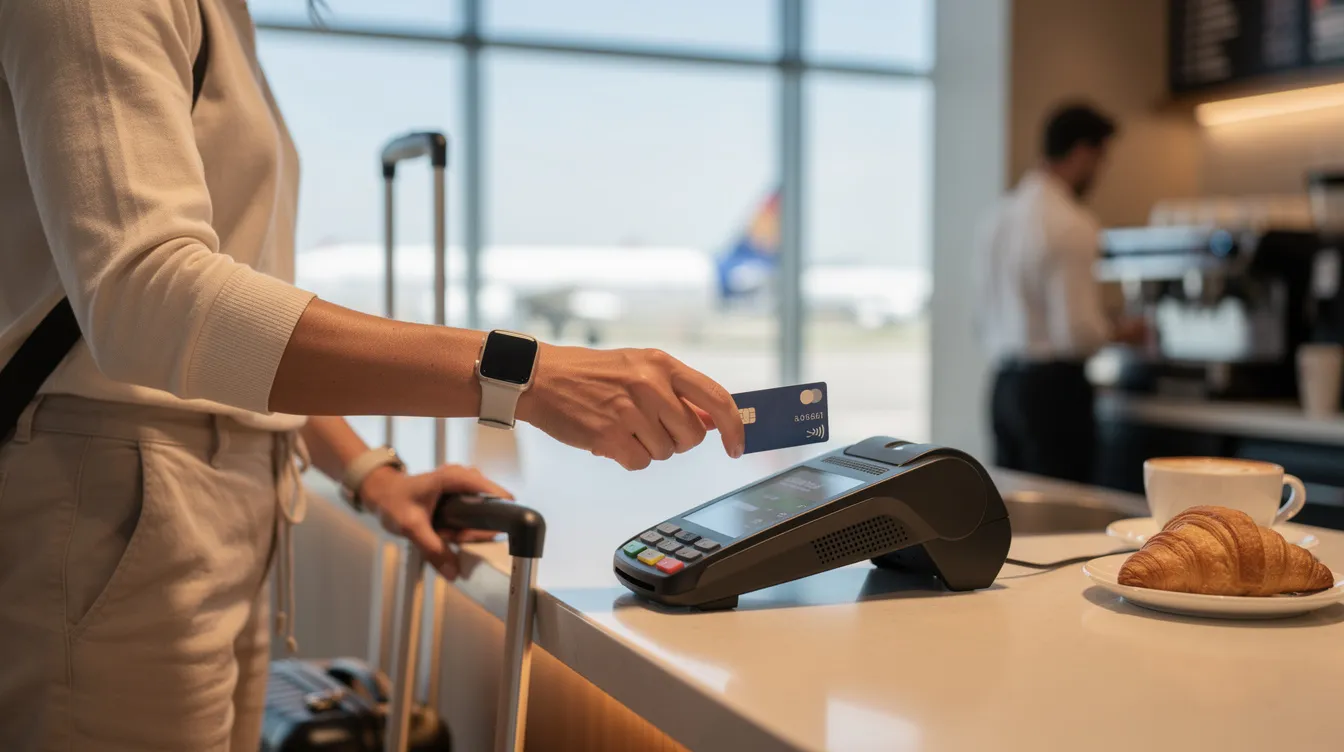
A Wise Business account is a multi-currency account built for freelancers, sole proprietors, registered companies, and (in some jurisdictions) partnerships and non-profits. Wise Business accounts are designed for handling company finances: receiving client payments, paying suppliers abroad, and keeping business finances separate from personal spending.
Who should open a Wise Business account:
Freelancers invoicing clients in USD, EUR, or GBP who need professional invoices and payment links in their business name.
An Australian ecommerce store paying Chinese and European suppliers in CNY and EUR through a single platform.
A New Zealand marketing agency billing US and UK clients in their local currencies, collecting funds via local bank details, and converting to NZD when needed.
Registered companies, LLCs, and sole proprietors who must separate personal and business finances for tax and compliance reasons.
Wise Business account offers all core Wise personal features plus business-specific tools: invoicing, payment links, batch payments, multi-user access, and integrations with accounting software like Xero and QuickBooks.
Whether a particular entity type qualifies for a business account depends on country-level rules; Wise cannot onboard businesses in certain US states (Nevada, for example) or US territories.
Features of Wise Business that do not exist on personal profiles:
Batch payments: upload a CSV file to pay hundreds of freelancers, affiliates, or suppliers across Europe and Asia in a single operation. A company paying 200 contractors monthly can process all transfers at once instead of entering each one manually.
Wise Business accounts offer free invoicing tools: create and send invoices in your company name, attach payment links, and accept payment via bank transfer or card.
Payment links and QR codes: generate reusable links for clients to pay you; accept debit, credit, and Apple Pay where supported.
Wise Business accounts allow adding team members for account access. Owners set roles and permissions so that, for example, a bookkeeper can view transactions but not initiate transfers.
Business accounts can issue expense cards to employees with custom limits and real-time spend tracking.
Accounting software integrations: sync transactions with Xero, QuickBooks, or other platforms for automatic reconciliation. This feature does not exist on personal profiles.
Receive payments with local bank details in 22+ currencies (on Advanced plans), compared to roughly 8-10 on personal accounts.
Wise Business accounts allow batch payments for efficiency, and combined with invoicing tools, they give small businesses an end-to-end system for managing international transactions.
This section summarises the central wise business vs personal comparison across purpose, features, and compliance.
Wise Personal:
Open to any individual meeting age and residency requirements; free to open with no subscription fees.
Intended for managing personal finances: travel, salary, family remittances, personal expenses.
Hold 40+ currencies, receive local payments in ~8-10 currencies, use one Wise debit card.
No invoicing, no batch payments, no multi-user access, no accounting integrations.
Cannot be used to receive business receipts or client payments under Wise's terms.
Wise Business:
Open to registered entities, freelancers, and sole proprietors; requires business details and verification of directors and beneficial owners (25%+ ownership threshold).
Intended for managing business finances: client payments, supplier transfers, business expenses, payroll.
Hold 40+ currencies, receive local payments in up to 22+ currencies (Advanced plan), issue multiple team cards.
Includes invoicing, batch payments, payment links, multi-user access with customizable permissions, and accounting software integrations.
Business accounts may require a setup fee in certain regions (e.g., $31 in the US, £50 in the UK for Advanced features).
A common mistake: using a personal account for business transactions. Freelancers who invoice clients from a personal profile risk account freezes, rejected payments, and messy tax reporting. Wise's terms in the US and UK state that personal accounts cannot process business transactions.

Both Wise personal and business profiles share the same fee principles: no monthly subscription fees, pay-per-use pricing, and conversion at the mid market exchange rate plus a transparent markup. The concrete cost differences sit in setup fees, card fees, and receiving fees.
Opening a Wise personal account is free. A one-time fee of $31 is required for a Wise business account in the US to unlock Advanced features (local account details in 22+ currencies, payment links, direct debits, invoicing). In the UK, the business Advanced plan costs a one-time £50.
A Wise Multi-Currency Card has a one-time fee of $8.50 for personal accounts in the US. Business cards for team members carry similar issuance costs.
USD wire payments incur a fixed fee of $6.11 plus Wise's own transfer fee (around $1.13) when sending USD via SWIFT outside the US. Correspondent bank fees, if predicted, are displayed before confirmation.
Receiving local payments in select currencies is free for both accounts. Incoming SWIFT transfers in non-local currencies carry small fixed fees depending on the currency.
Conversion fees for both profiles start around 0.24% on popular routes like GBP to EUR. The exact percentage depends on currency pair and payment method.
Both account types maintain low transparent fees for transactions. Wise displays fee information, the exchange rate, and the amount the recipient gets before you confirm any transfer.
In the US, Wise Business offers 3.14% APY on USD balances when opted in, with FDIC insurance via partner banks up to $250,000. Personal US accounts have a similar feature.
Wise's up to date pricing changes over time. Always check the live fee calculator on wise.com before transferring.
Using a personal account for business transactions violates Wise's terms of use. Wise's US help pages state: "The Wise personal account cannot be used for business transactions, as this is against the terms of use." Similar policies apply in the UK and EU.
Risks and guidelines:
Account freezes or closures: Wise's compliance team reviews transaction patterns. Receiving regular invoiced payments or client deposits into a personal Wise account can trigger a review.
Tax complications: mixing personal and business finances makes it harder to document deductible business expenses and income at tax time. Auditors look for clean separation.
Rejected payments: some platforms (Amazon, Stripe) require payouts to a business-named account. A personal profile cannot receive money under a company name.
Freelancers billing under their own legal name with small, irregular income sometimes use a personal profile informally. This still violates Wise's terms and carries risk of disruption.
Sole proprietors, single-member LLCs, and any entity with a separate registration should open a Wise Business account. The $31 one-time setup fee is low relative to the cost of a frozen account mid-transaction.
If you operate a side project that generates even occasional revenue, keep a personal account alongside a separate business account to avoid compliance issues.
You cannot convert a Wise Business account into a personal account or vice versa. Each profile must be opened separately. However, Wise allows users to hold both a personal and a business account under the same login.
To add a personal profile when you already have Wise Business: open the profile switcher in the Wise app, select "Get a personal account," and complete identity verification with a passport or national ID.
To open a Wise business account when you already have a personal profile: select "Open a business account" from the same profile menu, then provide business details, registration documents, and ownership information.
Having separate accounts is best practice. Business profiles handle invoices, client funds, and supplier payments. Personal profiles cover salary withdrawals, savings, and private spending with the Wise debit card.
To transfer money from your Wise account from business to personal, initiate a standard transfer using your personal wise account's local bank details as the recipient. Treat this as a salary or owner's draw for bookkeeping purposes.
Before closing either profile, withdraw or transfer remaining balances and download statements. Wise retains transaction records, but having your own copies simplifies year-end accounting.
Both Wise personal and business accounts let you receive money internationally using local bank account details: a US routing number and account number, a European IBAN, a UK sort code, an Australian BSB, and others. The difference is scope and intended use.
Users can receive payments using local bank details in 8+ currencies on personal accounts (USD, EUR, GBP, AUD, NZD, CAD, SGD, and a few others). Business Advanced accounts expand this to 22+ currencies.
A Wise Business user collecting USD from US clients via ACH pays no receiving fee. The funds land in their USD balance, ready to hold, convert, or pay out.
A Wise personal user receiving EUR from family in Germany uses their IBAN. The transfer arrives as a domestic SEPA payment, avoiding SWIFT fees.
Ecommerce sellers on Amazon or Shopify route payouts to their Wise Business local bank details in the payout currency, then convert money to their home currency when needed.
Currencies not covered by local details can still be received via SWIFT, though fixed fees apply (e.g., the $6.11 fee for incoming USD wires).
For simple, recurring personal transfers (sending money home monthly to Pakistan or India), a dedicated remittance app like ACE Money Transfer often provides faster delivery and lower cost. ACE Money Transfer supports international transfers across selected destinations, with payout options and receiving locations varying by country and corridor. Applicable exchange rates and fees also vary by transfer route, currency, transfer amount, and transaction details.
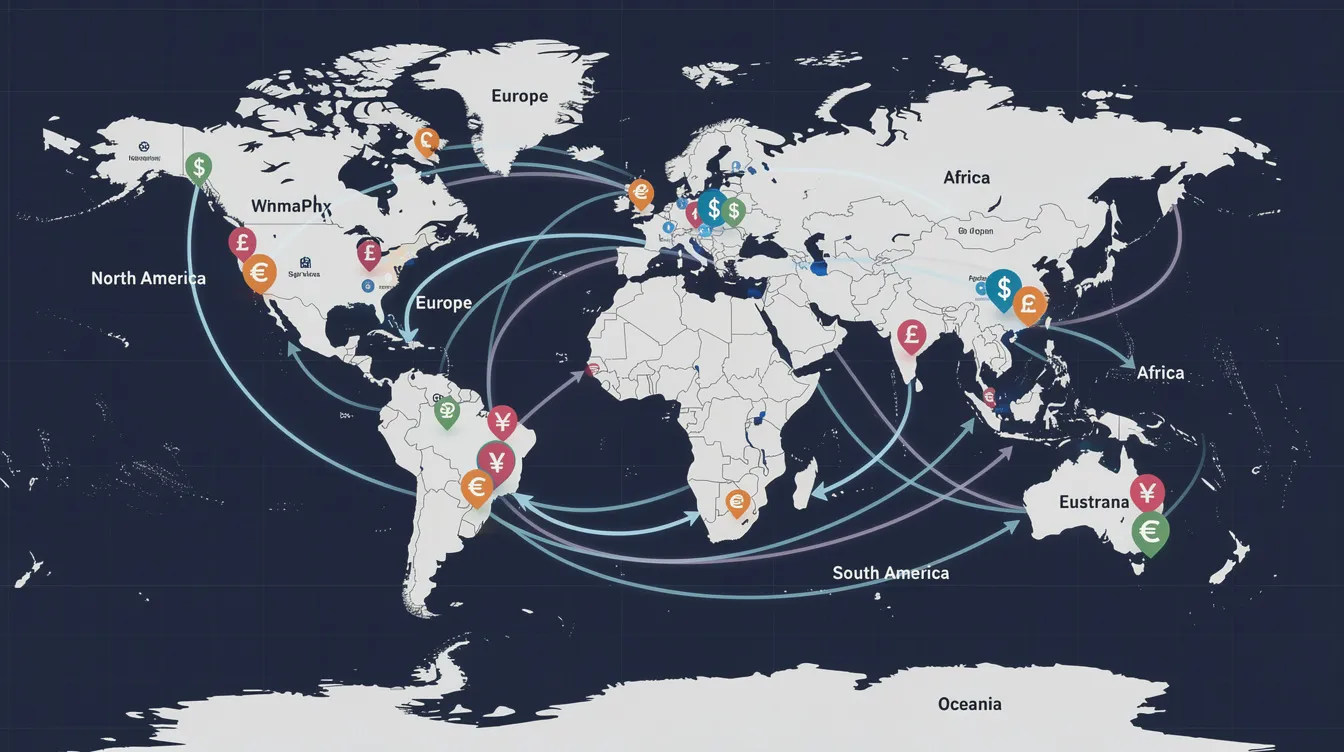
Choosing the right Wise account type depends on how you earn and spend across borders.
Freelancers and contractors: A Wise Business account provides professional invoices, payment links, and the ability to manage multiple currencies from a single dashboard. A freelance designer in 2026 billing clients in USD and EUR while living in Thailand needs invoicing tools and local account details in both currencies; a personal profile cannot deliver that. The one time setup fee of $31 pays for itself after a single client payment that would otherwise require a wire transfer.
Small and medium enterprises: For SMEs paying suppliers in several countries, Wise Business is essential. Multi-user access lets a finance team manage international business payments with approval workflows. Batch payments handle payroll for distributed teams. Accounting software integrations with Xero or QuickBooks sync every transaction automatically, removing manual data entry.
Digital nomads and remote workers: If you receive a single salary in one foreign currency and spend in another, a Wise personal account plus the Wise debit card handles day-to-day needs. You can manage money across currencies, withdraw cash at ATMs, and convert at the mid market exchange rate. But if you incorporate (in Estonia's e-Residency program or Wyoming, for example), you need a Wise Business profile to keep business finances separate from personal expenses.
Students and expats sending remittances: A personal Wise account works for tuition payments and low cost international transfers to family. For dedicated remittance corridors (UK to Pakistan, Canada to Philippines), ACE Money Transfer delivers funds via cash pickup or mobile wallet in under 10 minutes, often at lower total cost than Wise on those specific routes.
Opening a Wise personal account:
Download the Wise app or visit wise.com and select "Personal."
Enter your personal details: legal name, date of birth, country of residence, email, and phone number.
Verify your identity by uploading a passport, national ID, or driver's licence. Verification typically takes 1-3 business days.
Add a funding method (bank transfer, debit card, or credit card) to make your first transfer or add funds.
Order the Wise debit card from the app if available in your region. Opening a Wise personal account is free; the card carries a one-time issuance fee.
Opening a Wise Business account:
Select "Business" during signup or add a business profile from your existing personal account.
Provide your company's legal name, registration number, trading address (not a PO box or virtual address), and business type.
Submit details for all directors and beneficial owners holding 25% or more ownership, including their personal details and identity documents.
Specify the purpose of the account and expected monthly transaction volumes.
Wait for verification. In the UK, this takes 1-3 working days for straightforward sole proprietorships. In Australia or New Zealand, complex entities can take up to 10 working days.
Once approved, fund the account and access features like batch payments, invoicing, and team cards.
Users who mainly need fast remittances to family rather than a full business account might prefer using ACE Money Transfer, which handles corridor-specific transfers with delivery in minutes and serves over 1.3 million customers globally.
Wise accounts are strongest as multi-currency wallets and business infrastructure. They are not optimised for single-corridor remittances where speed and cost on a specific route matter more than holding balances or invoicing.
Choose Wise personal when you need to manage personal finances across borders: travel spending, receiving salary, converting currencies, and using the Wise debit card for everyday purchases.
Choose Wise Business when your company needs to manage international business payments, receive client payments in multiple currencies, pay suppliers via batch payments, and integrate with accounting software.
Choose ACE Money Transfer when your goal is sending money home to family in South Asia, Africa, or other supported corridors. ACE charges fees as low as £1.99 on routes like UK to India, with exchange rate margins of 0.1-1.5% on busy corridors and delivery via bank deposit, cash pickup, or mobile wallet.
Rates and fees may vary. Visit acemoneytransfer.com for current rates.
ACE covers 100+ destination countries and 350,000+ payout locations. Wise does not offer cash pickup. For recipients without bank accounts, ACE fills a gap Wise cannot.
You can use Wise and ACE together. A small business owner holds a Wise Business account for client invoicing and supplier payments, while using ACE Money Transfer to send personal funds to relatives abroad at lower corridor-specific rates.
ACE does not support transfers to developed-market recipients (US, Canada, Australia). For those routes, Wise personal or Wise Business remains the better tool.

The choice between Wise personal vs business comes down to what you use the account for. If you receive client payments, invoice customers, pay suppliers, or run any registered entity, open a Wise Business account. The one time setup fee ($31 in the US, £50 in the UK) unlocks tools that a personal profile simply does not have: batch payments, team cards, invoicing, and accounting integrations. If you only need to manage personal finances, convert currencies for travel, or receive salary from abroad, a Wise personal account covers those needs at no setup cost.
For users whose primary goal is straightforward personal remittances to family in South Asia, Africa, or similar corridors. ACE delivers funds in under 10 minutes on many routes, charges minimal fees, and offers payout methods (cash pickup, mobile wallet) that Wise does not provide.
Open a Wise Business account if you invoice clients, pay suppliers, or operate under a company name.
Keep a Wise personal account for salary, travel spending, and personal expenses; do not use it for business transactions.
Use ACE Money Transfer for fast, low-cost remittances to 70+ countries where corridor-specific rates and cash pickup matter.
Check live fee information on both platforms before each transfer; rates and fees update regularly.
Disclaimer: This article is intended for general informational and educational purposes only and should not be construed as legal, regulatory, tax, business, or financial advice. While reasonable efforts have been made to ensure that all facts, figures, and data are accurate and valid as of the date of publication, no warranty or guarantee is given as to the ongoing completeness, accuracy, or currency of the information.
The content is based on information available at the time of publication. Regulations, government policies, market conditions, and service offerings may change over time and vary across jurisdictions and providers. As a result, some information may no longer be current or applicable. Readers should independently verify all information and consult qualified professional advisors before making any financial, legal, or business decisions.