ACE Money Transfer
ACE Money Transfer
05 Nov 2025
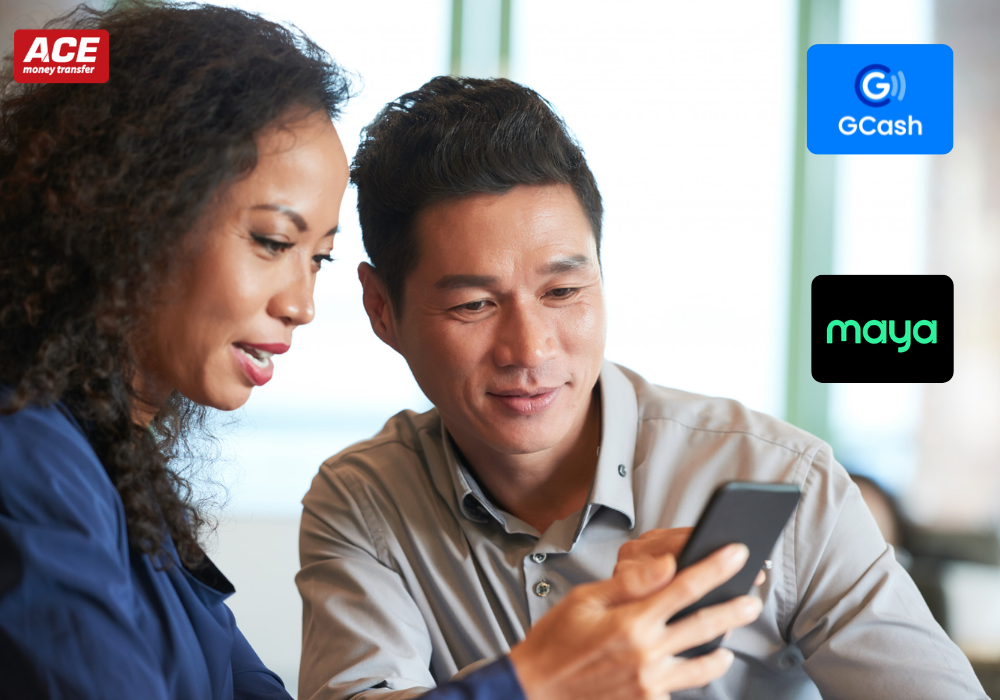
Sending money from Australia to the Philippines with GCash is one of the fastest and most convenient ways to get funds into a loved one's hands. Whether you're supporting family back home, covering tuition, or helping with everyday expenses, a GCash wallet lets recipients access Philippine pesos within minutes-no bank account required. This guide walks you through every step, from choosing the right transfer service to understanding fees, exchange rates, and recipient requirements.
The quickest way to send money from Australia to a GCash wallet is through a specialised online money transfer app rather than a traditional bank. You can send money directly to GCash wallets in the Philippines, and transfers to GCash can be completed within minutes when you use the right provider.
Here's how the main options compare at a glance:
| Method | Typical speed | Cost level |
|---|---|---|
| Online money transfer app ? GCash mobile wallet | Minutes | Low to moderate |
| Bank transfer ? Philippine bank account | 1–3 business days | Low fee, but rate markup |
| Debit or credit card ? GCash via app | Minutes | Moderate |
| Cash pickup (agent location) | Minutes to same day | Moderate to high |
Key points to keep in mind:
Mobile wallet transfers to GCash in Philippine pesos often arrive within minutes, with transparent fees and competitive rates.
You can send money online 24/7 using an app on your mobile phone. Pay with an Australian bank account, debit card, or digital wallets like Apple Pay or Google Pay where supported.
Transfers to mobile wallets are often processed within minutes once the provider confirms the payment.
Bank transfer funding is usually low cost but can add processing time on the Australian side.
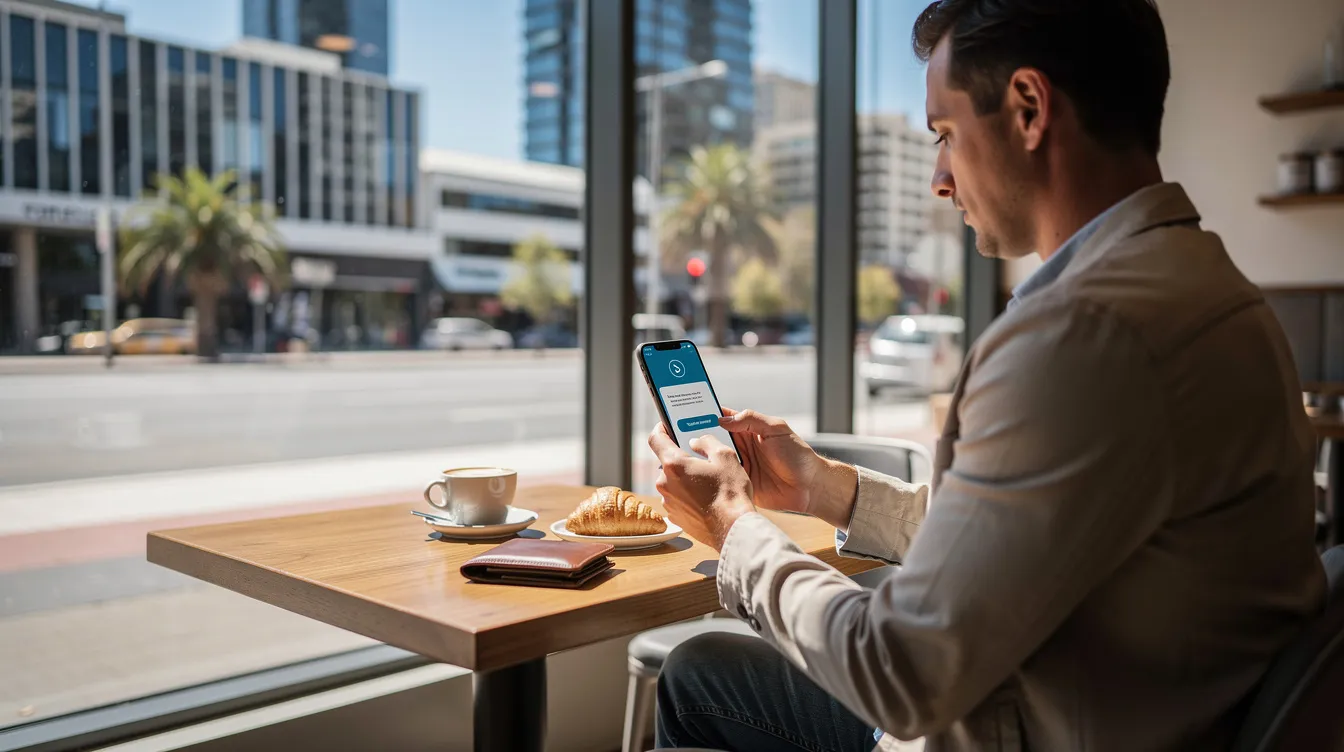
GCash is the largest mobile wallet in the Philippines, used by tens of millions of people for everything from paying bills to receiving international remittances. Managed by G-Xchange, Inc. under Globe Telecom, it functions as a mobile money account where users store, send, and spend Philippine pesos-all from their mobile phone.
A mobile wallet works like a digital bank account. Users download the GCash app, register with their Philippine mobile number, verify their identity, and they're ready to receive money. No traditional bank account is needed. This makes GCash especially useful in areas where banking infrastructure is limited.
Mobile wallets like GCash are popular for receiving money in the Philippines for several reasons:
Recipients get instant SMS notifications when money arrives.
They can pay bills, shop online, send onward transfers, and pay at QR merchants-all from the app.
Cash-out is available through thousands of partner outlets nationwide.
GCash balances are held in PHP, so senders in Australia pay in AUD and the money is converted before reaching the recipient.
GCash works across the country, from Metro Manila neighbourhoods like Quezon City and Makati to provincial cities like Davao City, Cebu, and Cagayan de Oro.
You cannot normally send money directly from an Australian bank to a GCash number. Sending money from Australia to a GCash wallet requires using an international transfer service that supports GCash as a payout method.
Here are the major payout paths to get money to the Philippines:
Mobile wallet transfers - Select GCash as the delivery method in your chosen app, enter the recipient's mobile number, and the funds land in their GCash wallet. This is the most direct route.
Bank deposit - Money can be sent directly to bank accounts in the Philippines. The recipient can then transfer funds from their bank into GCash manually. This adds a step but works if the provider doesn't support GCash directly.
Cash pickup - Cash pickup options are available for transfers to the Philippines. The recipient collects cash at an agent location and can then top up their GCash wallet at a partner outlet.
Sending money online via an app is almost always cheaper and faster than visiting an in-person remittance location in Australia. The sender usually pays in Australian dollars from a bank account, debit or credit card, or Apple Pay and Google Pay, and the recipient receives PHP in their GCash wallet.
Mobile wallets like GCash are often the most convenient receive method for recipients who are always on their phones-which, in the Philippines, is most people.
Sending money from Australia to a GCash wallet in the Philippines is straightforward once you know the process. Popular remittance providers allow direct transfers to GCash mobile numbers. Here's how it works:
Choose a provider - Pick an online money transfer service that lists "GCash" or "Mobile wallet – GCash" as a payout method for the Philippines from Australia. Not every provider supports this, so confirm before signing up.
Create an account online - Register with your email or mobile number and set a password. You'll need to complete identity verification with an Australian ID (driver licence, passport, or Medicare card). This is required by AUSTRAC for all international money transfers.
Set up the transfer - Select the Philippines as your destination country. Choose mobile money or select GCash as the delivery method. Enter the transfer amount in AUD or PHP.
Enter the recipient's details - You can send money to GCash using just the recipient's mobile number. Provide their full name (matching their GCash profile) and their 11-digit Philippine mobile number registered with GCash.
Choose your payment method - Pay from an Australian bank account (usually low cost), or fund instantly using a debit card. Some providers also accept Apple Pay or Google Pay for added convenience.
Review everything - Before you tap send, check the exchange rate, any transfer fee, the estimated delivery time, and the exact PHP amount the recipient will receive. This review step is where you catch hidden costs.
Confirm and track - After payment, both sender and recipient typically receive SMS or email confirmations. The money arrives in the GCash account, and you can usually monitor your transfer history within the app.
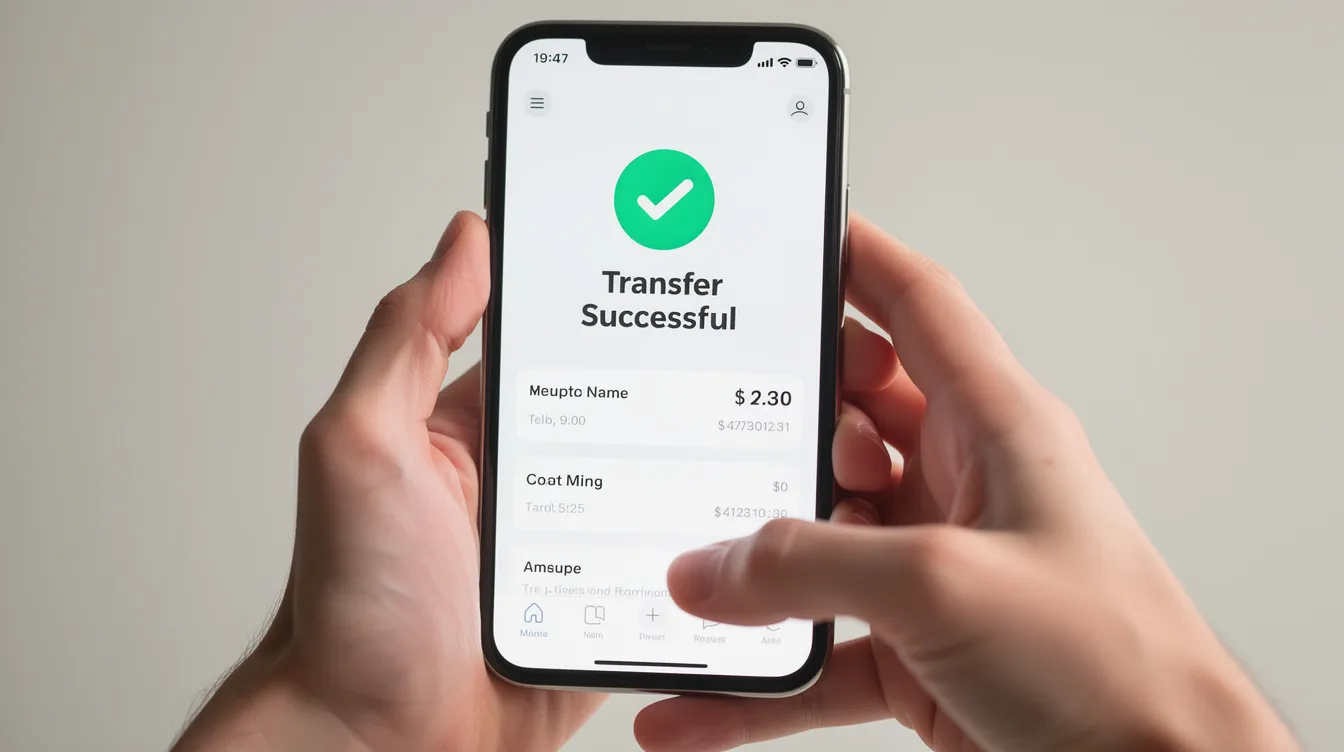
The recipient doesn't need a traditional bank account, but they must have an active and properly verified GCash mobile wallet. Recipients need an active GCash account to receive money.
Key recipient requirements:
A Philippine mobile number (starting with 09xx)
A GCash account registered in their name
Full verification with a valid Philippine government-issued ID and a selfie scan
Verification is required for the recipient's GCash account to ensure successful transfers. A fully verified GCash account unlocks higher limits-up to PHP 100,000 wallet balance and PHP 100,000 in monthly incoming transactions. Basic (unverified) accounts are capped at just PHP 10,000 wallet balance and roughly PHP 5,000 in incoming transfers.
Recipients may have strict incoming wallet limits and may reject international remittances if unverified. Always confirm your recipient's account is fully verified before sending large amounts.
Recipients generally do not pay a separate GCash receiving fee when using supported remittance channels. Once the money arrives, they'll see an SMS notification from GCash and an updated available balance in their app.
Recipients can spend directly from GCash-paying bills, shopping online, or scanning QR codes at merchants-or cash out through GCash partner outlets and ATMs in cities like Manila, Cebu, and Davao.
The total cost of sending money from Australia to the Philippines includes both the transfer fee and the exchange rate markup from AUD to PHP. Focusing on only one of these is a common mistake.
Providers apply a margin to the mid-market exchange rate when converting AUD to PHP. This margin is often the single biggest cost. Even if a service advertises "zero fees," the way they adjust the rate can quietly eat into how many pesos your recipient gets.
Here's what you need to know:
Transfer fees typically range from AUD 0 to 5, depending on the provider and payment method. Transfer fees may be low or zero depending on the provider.
Providers vary in their AUD/PHP exchange rate, which can affect the total amount received. For a AUD 500 transfer, the average total cost (fee plus rate margin) is about 1.47%.
Remitly has an exchange rate markup of approximately 1.7% above the mid-market rate.
Western Union may charge up to 5% in exchange rate markup.
Banks may charge up to 5% exchange rate markup on international transfers, making them one of the most expensive options.
Exchange rate markups can add significant costs to transfers, especially for regular senders.
To keep your transfers low cost:
Fund with an Australian bank account or debit card rather than a credit card, which may attract cash-advance or card-processing fees from the card issuer.
Compare what the recipient will actually receive in PHP, not just the headline fee, across 2–3 providers on the same day.
Some providers offer promo rates or fee-free options for your first transfer, but ongoing exchange rates matter more for regular remittances. Look for transparent fees and a rate close to the mid-market rate.
Transfer speed depends on the payment method, the provider, and compliance checks. GCash payouts are often near-instant once the provider approves the transaction.
Typical timeframes:
Card-funded mobile wallet transfers - Can arrive within minutes. Funds can arrive in minutes for cash pickup at agent locations as well.
Bank account payments - May take a few hours up to one banking day. Bank transfers may take up to one banking day to process.
Traditional international bank transfers - International bank transfers often use the SWIFT network, which can take 2–3 business days.
Same-day processing - Money is usually transferred on the same day when using online money transfer providers. Most Rocket Remit transfers are completed instantly after confirmation.
Many apps show an estimated arrival time and let you track the online money transfer in real time through your transfer history.
Delays can happen due to:
Additional verification requests for larger amounts
Incorrect recipient's details (wrong name or mobile number)
Philippine banking hours or holidays
GCash system maintenance
Send money a little earlier around busy periods like Christmas, Holy Week, or long weekends, when networks and local cash-out points can be congested.
Australian senders can usually pay for a transfer to GCash using an online bank transfer, debit or credit card, or digital wallets on their mobile phone. Here's how each option compares:
Bank transfer - Often the lowest-fee method for sending money home. Funds are pulled from your Australian bank account, and you'll typically need to provide your bank account details during setup. Processing can take slightly longer, making this a good choice for larger amounts like tuition or medical bills where speed is less critical.
Debit card - Near-instant confirmation and a good balance between speed and cost. Visa and Mastercard debit cards are widely accepted. This is the sweet spot for most regular senders who want fast delivery without premium pricing.
Credit card - The fastest option in many apps, but typically comes with higher processing fees, poorer exchange rates, or cash-advance interest charged by the card issuer. Check your card's terms before choosing this route.
Apple Pay and Google Pay - Modern ways to pay for an online money transfer from your phone. Convenient for just a few taps to complete a transfer, though extra fees may apply depending on the card behind the wallet. Not every provider supports these for transfers from Australia to the Philippines, so check availability in your chosen app.
Once the GCash wallet receives PHP from Australia, the recipient has several ways to access or spend their money. Money sent to GCash can be used for bills or cash withdrawals.
Common uses include:
Paying utility bills (Meralco, water, internet) directly from the app
Buying mobile load and data for their phone
Paying school fees where accepted
Shopping online at major Philippine e-commerce sites
Sending onward transfers to other GCash users or bank accounts
For cash-out, recipients can withdraw at GCash partner outlets including pawnshops, convenience stores, and selected ATMs using GCash-linked cards. Cash-out fees may apply on the Philippines side and are usually charged by GCash or its partners, not the Australian sender.
Recipients should keep their GCash app updated and enable security features like PINs and biometric login to protect incoming remittances.
Licensed providers sending money from Australia to the Philippines are regulated under AUSTRAC in Australia and the Bangko Sentral ng Pilipinas in the Philippines. That said, users still need to take basic precautions.
Safety tips:
Never share one-time passwords or GCash PINs with anyone, including people claiming to be from the provider.
Only send to people you know and trust. Be wary of investment or romance scams asking to receive money via GCash or other mobile wallets.
Use only providers recognised on GCash's official international remittance partners list.
Both providers and GCash apply security checks and transaction limits that might temporarily delay or block suspicious transfers. Typical limits for a fully verified GCash account are PHP 100,000 monthly incoming. Providers may also cap individual mobile wallet transfers at around PHP 50,000 per transaction.
Larger amounts may require additional identity documents or proof of source of funds from the sender's side, particularly under AUSTRAC's anti-money laundering requirements.
Double-check the recipient's mobile number and name before pressing "Send." Fixing errors after the money is credited to the wrong GCash account can be extremely difficult-and sometimes impossible.
If a transfer status remains "pending" or "on hold" longer than the stated time, contact the provider's customer support immediately. Most issues are resolved within hours when flagged early.
The "best" way to send money depends on how fast it must arrive, how often you send, and whether you prioritise low fees or the best exchange rate. There is no single right transfer service for everyone.
Here's how to start sending money smarter:
Compare at least 2–3 online money transfer providers on total cost (fee plus rate), delivery speed to GCash, ease of use, and how clearly they show payment details and transparent fees.
Use mobile wallet transfers to GCash for everyday family support-groceries, rent, school costs-where fast delivery matters and amounts are moderate.
Consider bank account deposits for larger one-off payments where you can afford to wait a day and want to send AUD at the lowest possible cost.
Save frequent recipients (a spouse's GCash number in Manila or a parent's mobile money account in Davao) in the app to speed up future transfers with just a few taps.
Choose mobile money as the receive method whenever your recipient prefers the flexibility of spending directly from their phone or cashing out locally.
Regularly checking exchange rates, being aware of wallet limits, and keeping both your app and your recipient's GCash account secure will make sending money from Australia to the Philippines smoother over the long term. The money delivered to a GCash wallet can be spent, saved, or withdrawn-giving your recipient full control the moment the money arrives.
Start by comparing rates from two or three providers today. A few minutes of research can save you real money on every transfer you make.