
ACE Money Transfer
ACE Money Transfer

06 Jan 2025
Not all ATMs support contactless transactions, which makes finding the right machine frustrating when you need money fast. This guide covers exactly how to find a contactless ATM near you, which banks and apps let you withdraw cash without a card, and what to do when no compatible machine is available.
Many UK bank ATMs now support contactless withdrawals via a debit card stored in a digital wallet, or through app-generated codes. You can find your nearest cash withdrawal location online in under a minute. Here is your quick-start checklist:
Search maps by location. Open Google Maps or Apple Maps and enter terms like "contactless ATM near me", "NFC ATM", or "cardless cash machine". Look for branch markers from Barclays, NatWest, RBS, Ulster Bank, Tesco Bank, or Revolut around your current postcode.
Spot the contactless symbol. NFC-enabled machines display the contactless logo (four curved lines) or wording such as "Contactless cash" near the card slot. Zoom into Street View or user-uploaded photos on Google Maps to check before you visit.
Use your bank's app. Open your bank's mobile app and look for an "ATM locator" or "Find us" feature. Many apps include filters for "cardless" or "contactless" cash service, providing details on which machines are compatible.
Check supermarket ATMs. Many supermarkets across the UK, including Tesco, Co-op, Sainsbury's, and Asda, host ATMs that already support NFC withdrawals. Inspect both in-store and outside wall machines for the contactless logo.
No contactless machine nearby? Most UK debit cards still work at Post Office counters and PayPoint locations to withdraw cash. Later sections cover these options in detail.
A contactless ATM is a cash machine that lets you withdraw money without inserting a physical debit card. It works via either tap-to-pay NFC technology or a one-time app-generated code or QR code.
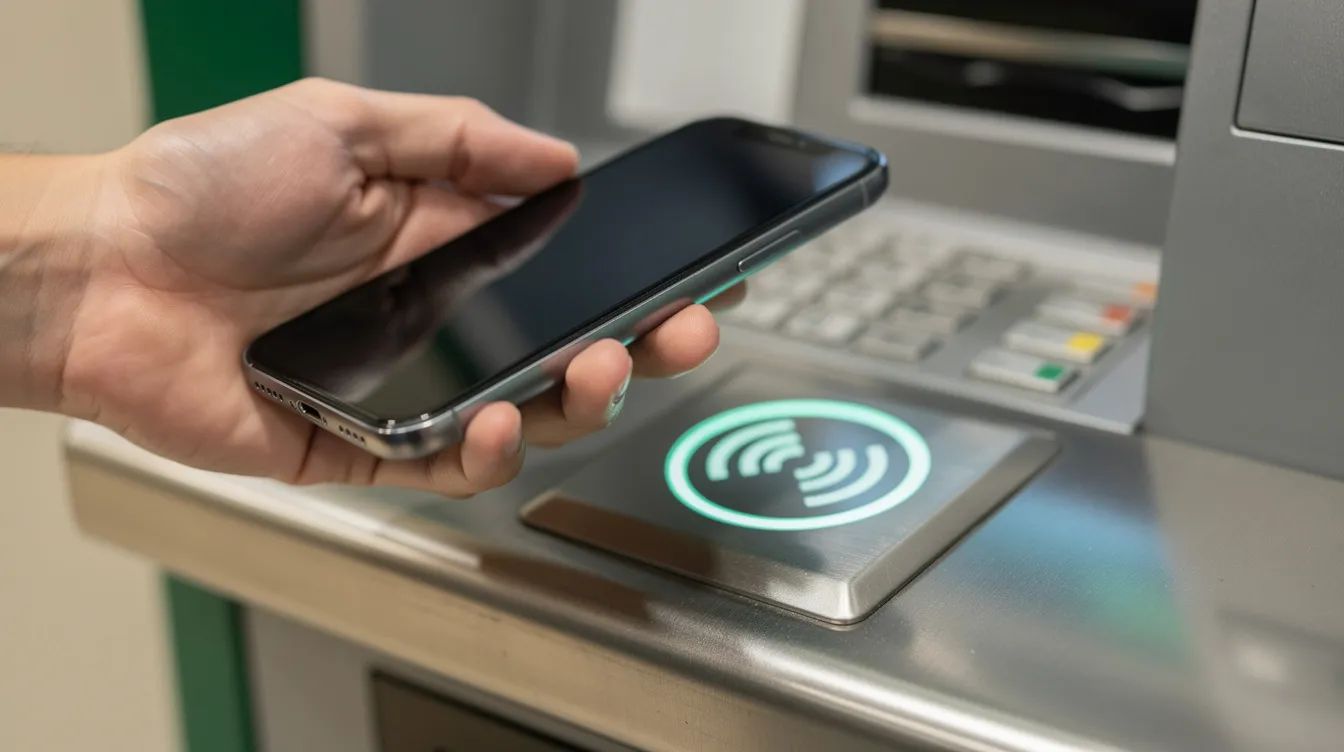
NFC contactless ATMs. Contactless ATMs use NFC technology for cardless transactions. You add your debit card to a digital wallet, then tap your phone or watch on the ATM's reader. Mobile wallets like Apple Pay and Google Pay are compatible with contactless ATMs. The machine prompts you to enter your PIN and choose an amount. Tokenization is used in contactless ATMs to protect sensitive information, so your full card number is never shared with the machine.
Code-based cardless cash. Users can access ATMs without a debit card if they have a smartphone app. You open your banking app, request a withdrawal, and receive a unique numeric code or QR code. QR codes can be used for transactions at contactless ATMs. The code expires within a set window, and you enter or scan it at a compatible machine.
UK rollout. Barclays started rolling out cardless ATM withdrawals around 2016. By 2024, most large UK banks had NFC-enabled machines in cities like London, Manchester, Birmingham, and Glasgow.
How verification works. The ATM connects in real time to the bank and card network. It validates the token or one-time code, confirms your PIN or biometric check, and verifies your account has sufficient balance before dispensing notes.
Why it matters. Contactless ATMs enhance security by reducing card skimming risks and reduce the need for physical contact with the machine. Transaction speed can improve by approximately 25% with contactless ATMs, offering faster transaction times than traditional machines. They are also useful if your card is lost or damaged. Users can authenticate transactions with biometric verification on their mobile devices, adding another layer of control.
Not every UK bank supports contactless cash withdrawals. Here are the main options with their limits and details, so you know what to expect when needing easy access to your account.
Barclays. Barclays customers can withdraw up to £300 daily without a card at Barclays contactless cash machines using their mobile app or a contactless debit card in a digital wallet. Note that the original phone-based NFC service launched in 2016 has since been discontinued; card taps via Apple Pay or Google Pay continue to apply at eligible machines.
NatWest, RBS, and Ulster Bank. The "Get Cash" feature in these apps lets you generate a one-time code, valid for three hours. NatWest customers can withdraw up to £130 every 24 hours. The code works at NatWest-group ATMs and many Tesco Bank machines.
Revolut. Revolut allows cash withdrawals using Apple Pay or Google Pay at NFC-enabled ATMs displaying the contactless symbol. Standard fair-usage limits and fees apply depending on your plan. Some machines outside the LINK network may not accept Revolut wallet taps.
Other banks. Some building societies and challenger banks, including Halifax and Scotland-based lenders, partner with the LINK network. Their debit card may work via NFC on any LINK ATM with the contactless logo, even if the app does not offer special cardless codes.
Check your own bank. Log into your bank's website or mobile app help section and search for "contactless cash", "cardless ATM", or "digital wallet withdrawals". Eligibility, daily caps, and supported locations are updated regularly, so information you find today may not apply next month.
This section is a practical how-to guide. Whether you tap or use a code, follow these steps to keep the transaction secure and easy.
Prepare before you go. Ensure your smartphone is charged and your banking app is up to date. Confirm your debit card is added to Apple Pay or Google Pay. Even if you use biometrics to open your wallet, you will still require your card PIN at the ATM.
NFC withdrawal. Approach an ATM displaying the contactless logo. Wake your phone or smartwatch, open your wallet, and select the correct card. Tap and hold the device against the reader till you hear a beep. Enter your PIN on the keypad, choose the withdrawal amount, and collect your cash.
Code-based withdrawal. Open your bank's app and find the "Get Cash" or "Cardless cash" option. Select your spend amount (typically £20 to £100). The app generates a code valid for a limited time. At the ATM, choose "Withdraw without card" or similar, enter the code, confirm the amount, and take your money and receipt.
Stay secure. Shield the keypad when you enter your PIN. Keep your phone screen facing you. Never share app-generated codes over insecure channels, and cancel the code in the app immediately if you suspect someone else has seen it.
Verify afterwards. Check your balance in the app straight after the transaction to confirm the exact amount. If the machine fails to dispense cash but shows the debit, contact your bank at once and log the details of the failed transaction.
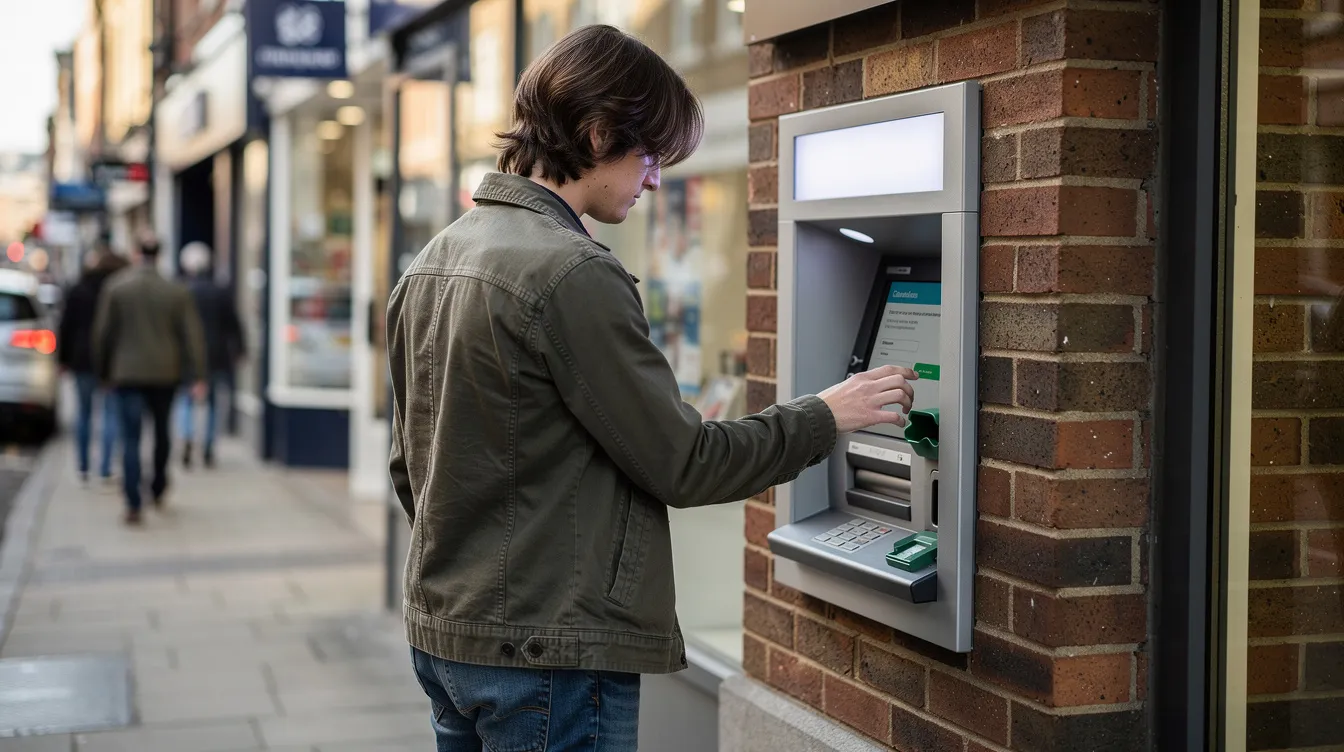
Many rural areas and small towns still rely on traditional ATMs and over-the-counter services. If you cannot find a contactless machine, these options continue to offer reliable access to your money across the UK.
Chip-and-PIN ATMs. Almost any UK-issued debit card works at LINK or Visa/Mastercard ATMs. Most are free to use; independent machines display any surcharge on screen before you confirm, so you stay in control of the cost.
Post Office branches. There are 24,000 Post Office locations across the UK. Post Office cash points allow cash withdrawals and balance checks, and cash withdrawals at Post Office cash points are free to use. They support both personal and business bank accounts, and you can also deposit cheques, coins, and pay utility bills at Post Office cash points.
PayPoint and cashback. You can withdraw cash in-store at PayPoint locations. There are over 30,000 PayPoint locations across the UK, and over 30,000 PayPoint locations offer cash withdrawals in-store. Withdrawals can be made from £1 to £50 at PayPoint, and no purchase is necessary for in-store cash withdrawals. Separately, many supermarkets and fuel stations process cashback at the till when you make a purchase, with the cashback appearing as part of one combined card transaction.
Plan ahead. If you regularly need cash, combine larger, less frequent withdrawals at traditional ATMs with a small emergency float at home in case your preferred cash service is temporarily unavailable.
Monitor your statements. Regardless of which method you use, check your balance and transaction history frequently via mobile or online banking. Spot any unexpected transactions early and report them to your bank without delay.
Contactless withdrawals are protected by the same banking regulations as normal ATM use, but there are extra details about limits, fees, and safety that people commonly asked about.
Withdrawal limits. Many banks cap total ATM withdrawals at around £300 per day for standard current accounts. Cardless or app-generated codes may have lower limits, such as £100 to £130 per 24 hours. Premier or business accounts may have higher caps that apply individually.
Fees. UK high-street banks usually do not charge for using their own ATMs. Independent machines add a visible surcharge on screen. Fintechs like Revolut may charge after a monthly free allowance, so check your plan details.
Virtual cards. Most ATMs require a card with a linked PIN. Disposable or online-only virtual cards often cannot be used for NFC cash withdrawals, even if they work for in-store contactless purchases.
Lost or stolen phone. Immediately lock your device, remove the card from Apple Pay or Google Pay, change your banking passwords, and contact your bank. The bank can block further contactless cash withdrawals within minutes.
Treat it as a tool, not a lifeline. Cardless cash works best as a convenience or emergency feature alongside traditional methods. Keep your contact details, alerts, and strong authentication such as biometrics and strong passwords up to date in your banking app to ensure you always have options.