
ACE Money Transfer
ACE Money Transfer

25 Sep 2025
Uganda's mobile money market has become the backbone of digital financial services in the country, with millions of people relying on mobile wallet platforms for everyday transactions. After the Bank of Uganda ordered mobile money service restrictions that caused financial strain for many Ugandans, MTN Uganda restored mobile money services on Tuesday, meaning users can now deposit, withdraw, and transfer money again. Note that social media platforms remain restricted despite mobile money restoration.
The good news is that users can send money between MTN and Airtel services in Uganda directly. This guide covers exactly how to send money from MTN Mobile Money to Airtel Money, the fees you'll pay, limits to watch for, and how to troubleshoot common problems.
Sending money from an MTN Mobile Money account to an Airtel Money account in Uganda is a direct transaction. You can complete the transaction using USSD codes or the MyMTN app. Transfers are processed in real-time and funds reflect in the recipient's Airtel wallet within seconds.
Via USSD (*165#):
Dial *165# on your MTN line
Select "Send Money"
Choose "To Other Networks"
Enter the Airtel number (starting with 070 or 075)
Enter the amount in UGX
Confirm the recipient's name and fees displayed
Enter your MTN MoMo PIN to authorize
Via MTN MoMo App:
Open the app and log in
Tap "Send Money" ? "Other Networks / Airtel Money"
Enter the Airtel number and amount
Review fees and confirm with PIN or OTP
Airtel Money users can receive funds from MTN Mobile Money instantly. Confirmation SMS notifications are sent to both sender and recipient once the transfer is successful. These steps work for everyday payments - school fees, market transactions, or family support across the country.
Both the sender and receiver must meet basic conditions before a cross-network transfer can process:
Sender: Active registered MTN Uganda SIM with MTN MoMo account fully activated, plus a valid national ID (or refugee/foreign ID) used during SIM registration
Balance: You need sufficient balance in your MTN MoMo account to cover both the sent amount and transaction fees
Recipient: Active Airtel Uganda SIM with Airtel Money enabled - if the recipient hasn't activated Airtel Money, incoming funds may fail or be held
KYC tiers: Higher KYC verification levels on both networks allow greater daily and per-transaction limits, so customers making large transfers should ensure their account tier supports the amount
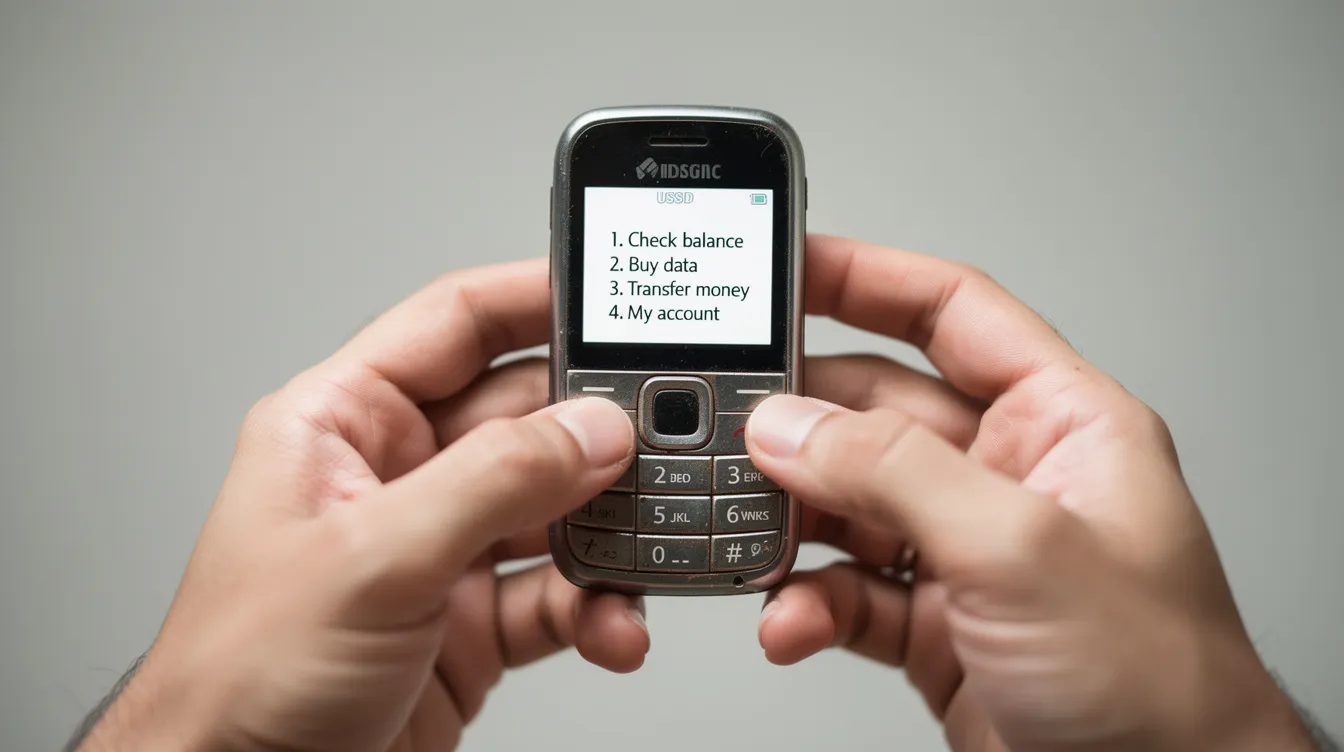
This is the most common method, especially for users on basic feature phones or smartphones without data access.
Dial *165# on your MTN line to open the MTN MoMo menu
Select "Send Money" from the main menu options
Choose "To Other Networks" (or the Airtel Money sub-menu if displayed)
Enter the Airtel number in local format (e.g., 075xxxxxxx) or international format (25675xxxxxxx) - double-check the name displayed on screen
Input the amount in Ugandan Shillings and review the summary showing recipient name, network, transfer fee, and total deduction
Enter your MTN MoMo PIN to authorize - never share or enter this PIN on any screen that doesn't clearly show "MTN Mobile Money" or "MTN Uganda"
MTN Mobile Money provides SMS confirmation for sent money. The sender receives a debit notification with a transaction ID, while the recipient gets a credit SMS from Airtel Money stating the exact amount received.
The MTN MoMo app is ideal for smartphone users who want a more visual, convenient way to send money to Airtel Money.
Download the app from Google Play Store or Apple App Store and log in with your MTN number via SMS verification
Tap "Send Money" and select "To Other Networks" or "Airtel Money"
Enter the recipient's Airtel number, an optional name, and the transfer amount
Review the confirmation screen - it should display fees, total deduction, and the destination network as "Airtel Uganda"
Confirm with your MoMo PIN or biometric authentication depending on your app settings
The process should complete in seconds. You can check your transaction history inside the app at any time to verify successful MTN-to-Airtel transfers, making it easy to keep a report of all your payments and savings activity.
MTN Mobile Money charges fees for various transactions, and standard cross-network mobile money tariffs apply for MTN-to-Airtel transfers. These fees are generally higher compared to same-network MTN-to-MTN transfers.
MTN Uganda sets fees in bands based on transaction value. For example:
| Amount Range (UGX) | Estimated Cross-Network Fee (UGX) |
|---|---|
| 500 – 2,500 | 100 |
| 5,001 – 15,000 | 500 |
| 60,001 – 125,000 | 1,000 |
Airtel Money fees may differ from MTN Mobile Money fees, so always review the fee prompt before entering your PIN - charges can change without much notice.
Key limits to know:
Transaction limits apply based on the account tier and typically range from UGX 500 to UGX 5,000,000 per transaction
MTN Mobile Money allows transactions up to UGX 20,000,000 daily for fully verified accounts, while MTN allows transactions up to UGX 20,000,000 at the highest tier
Transaction limits vary based on account verification level, so unverified accounts face a lower cap
Reply.cash requires a minimum of UGX 500 for transactions
If the recipient's Airtel wallet is near its balance limit, large incoming transfers may fail
Always verify the current fee on your phone screen before you confirm. Fees determined by MTN can change, and Uganda's mobile money withdrawal tax policies evolve over time as well.
Cross-network transfers can fail for simple reasons. Here are the most common issues and what to do:
Wrong Airtel number: Cross-network mobile money transfers can be difficult to reverse if sent to the wrong number. Always verify the name displayed before confirming.
Unregistered Airtel Money: If the recipient's SIM isn't registered for Airtel Money, the transaction may fail entirely.
Exceeded daily limit: Your account tier may cap how much you can send in a day - try again the next day or upgrade your KYC.
Network downtime: Occasional maintenance on either network can delay or block transfers. Wait and retry after some time.
If debited but recipient didn't receive funds:
Wait a few minutes - delays happen during peak days
Check your SMS and MTN MoMo balance for the transaction ID
Contact MTN Uganda customer care with your transaction ID, the Airtel number, and the approximate time of the transfer
Ask the recipient to check with Airtel Uganda customer care using the same reference
Never share your MoMo PIN with anyone who calls claiming to "help" with a stuck transaction. This is a common fraud tactic.
Beyond direct transfers, there are other ways to move cash between networks:
Agent cash-out and re-deposit: Withdraw cash from your MTN MoMo wallet at an MTN agent (leveraging the largest agent network in Uganda), then deposit it into the recipient's Airtel Money at an Airtel agent. This works but costs more in fees and time.
Bank-linked wallets: Send from MTN MoMo to a linked bank account, then from the bank to Airtel Money via the bank's mobile app. Useful for people who already access banking services.
International remittances: When money is sent from abroad, platforms like ACE Money Transfer and Western Union can deliver funds to Ugandan bank accounts or mobile wallets. Recipients can then move those funds between MTN and Airtel as needed. For those living abroad who rely on sending money home, this is often the most practical entry point into Uganda's mobile money ecosystem.
Each method has trade-offs in cost, speed, and convenience. Direct MTN-to-Airtel transfer remains the winner for most everyday users inside the country.
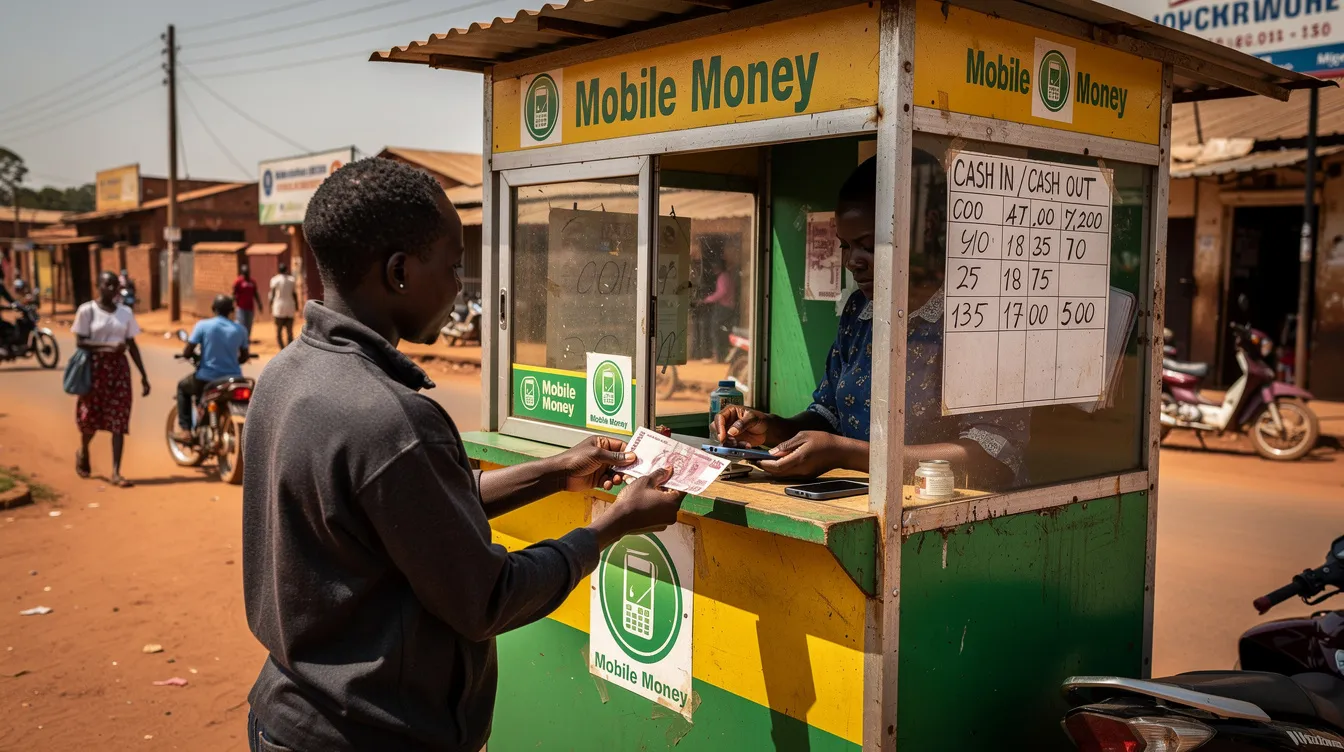
Mobile money through both MTN MoMo and Airtel Money is safe when users follow basic security rules. Here are the essentials:
Never share your MoMo PIN with anyone - not even merchant agents or customer care callers
Avoid doing transactions on borrowed phones or untrusted Wi-Fi networks
Confirm the Airtel number and recipient name before making any payment
Call MTN customer care immediately if you suspect your SIM card or MoMo PIN has been compromised, and request blocking the wallet
Check your mini-statement or transaction history regularly via email, SMS, or the app to spot any unauthorized activity
As of January 2026, estimated active mobile money users in Uganda number in the tens of millions - a share of the population that continues to grow. By understanding fees, limits, and security basics, you can confidently send money from MTN to Airtel all over Uganda. Bookmark this guide, and feel free to leave a comment or share it with someone making their first cross-network transfer.